Choose a website accessibility audit provider by the quality of their testing and the usefulness of their remediation evidence. A “best company” headline, automated score or generic certificate does not show whether people can complete tasks on your site. This guide helps a business owner compare scope and deliverables before commissioning an audit.
Define the service you are buying
An automated scan, a manual evaluation and a remediation project are different engagements. Ask which are included. State the intended accessibility target, the application boundaries and any contractual requirements your organization must meet. If legal obligations are involved, have the appropriate adviser confirm the required scope rather than expecting a tool score to settle that question.
For a small service website, representative templates and the enquiry journey may be a sensible starting point. A portal can require authenticated roles, dynamic tables, uploads, dialogs and error states. A provider cannot price or assess all of that reliably from the homepage alone.
Select a representative sample
Create a list of templates and tasks: homepage navigation, service discovery, article reading, form completion, account access and checkout where relevant. Include states that are easy to overlook, such as an invalid password, empty search result or expired session.
Record what the sample excludes. Testing one product page does not necessarily cover a different checkout widget or a third-party booking flow. A clear report tells the owner where evidence applies and where further assessment is needed.
Ask how manual testing works
Ask the provider to explain how they check keyboard operation, focus behavior, semantic structure, form feedback and zoom or reflow. Discuss the assistive technologies and browser combinations appropriate to your audience. A list of tools is less useful than an explanation of what tasks the evaluator attempts.
Automated tools can find certain recurring defects, but they do not establish every aspect of usability or conformance. W3C's accessibility evaluation overview describes complementary evaluation approaches. User involvement can add valuable task-level evidence; agree separately on recruitment, consent and how findings will be handled.
Request an example finding
A useful issue should identify the affected page or component, the conditions needed to reproduce it, the observed behavior and the expected behavior. It should explain user impact and give actionable implementation guidance.
For example, “form accessibility failed” is not enough. A stronger finding identifies an error message that appears visually but is not associated with its field, describes the experience when navigating with a screen reader, and points the developer toward the relationship that must be corrected. The exact fix depends on the implementation.
Separate severity from frequency. A single barrier in the only enquiry form can deserve higher priority than a repeated cosmetic issue across many articles. Ask how the provider prioritizes tasks that block completion.
Plan remediation with the people who maintain the site
Group defects by shared component so developers fix the source rather than manually patching every page. Content issues need content owners; design issues may need design decisions; third-party widgets may require replacement or vendor coordination.
For each issue, record the owner, proposed fix, status and evidence. Agree how disagreements are resolved. A developer should be able to ask why an issue was raised and receive a reproducible explanation, not just a reference number.
Include retesting in the agreement
A report is a baseline, not proof that subsequent changes work. Define which fixes will be retested, how results will be recorded and whether new defects introduced during remediation are included. Keep the original finding and retest evidence linked.
Accessibility also needs maintenance. New forms, design-system changes and uploaded media can introduce barriers later. Add checks to the release process and train editors on headings, useful alternative text, descriptive links and accessible documents.
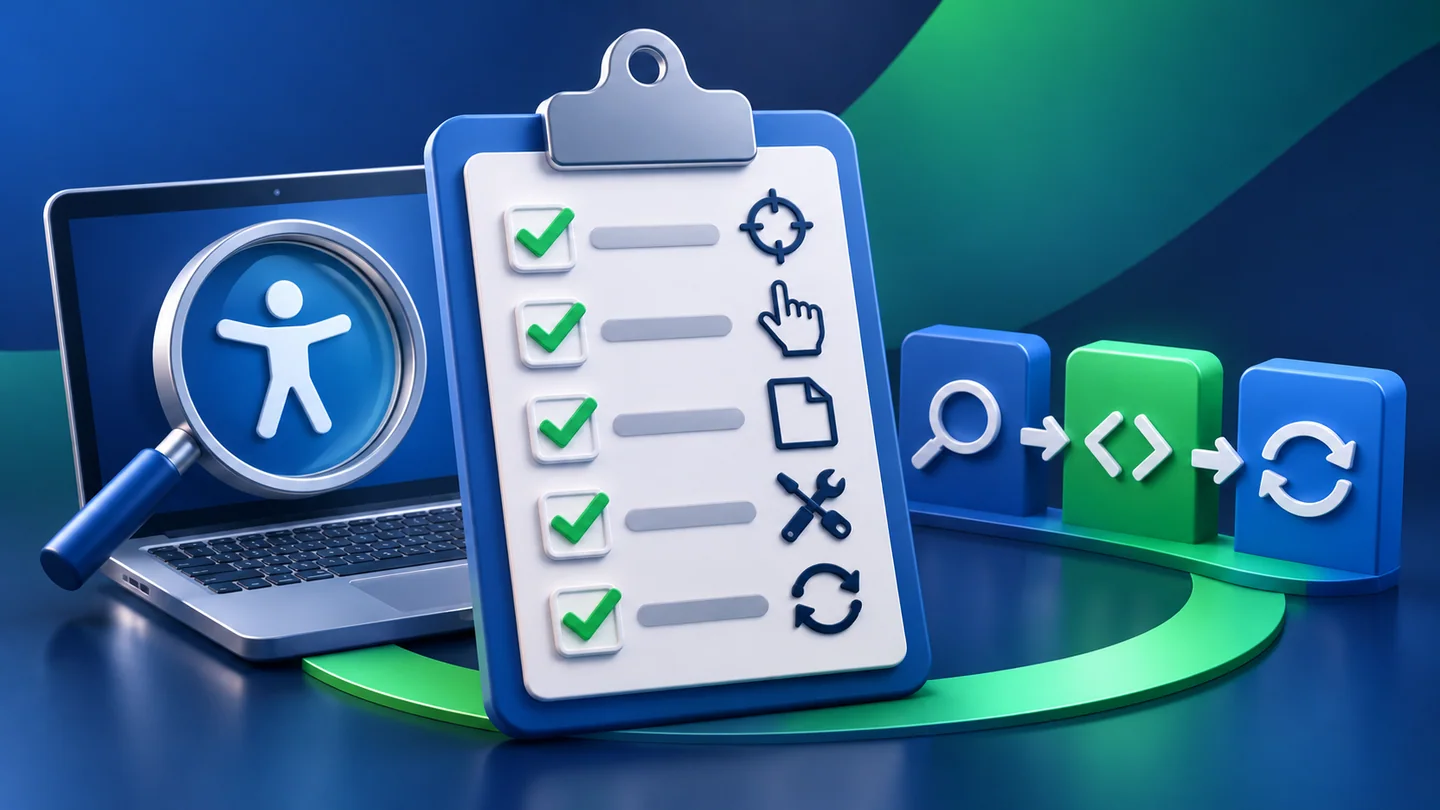
Compare proposals with this checklist
- Target and scope are explicit, including excluded systems.
- Sampling covers templates, roles and important failure states.
- Manual evaluation methods are explained.
- Findings include reproduction steps and user impact.
- Remediation advice is usable by your development team.
- Retesting, evidence and support boundaries are clear.
- Claims distinguish evaluated scope from the entire organization.
If location matters for workshops, compare availability and communication arrangements alongside technical quality. A provider's address alone does not demonstrate stronger evaluation.
Common questions
Can an overlay replace remediation?
Do not assume an added widget repairs the underlying interaction. Test the actual tasks and the site's own structure. Evaluate any proposed tool using evidence from your implementation.
What should I send before requesting a proposal?
Send the URL inventory, main user journeys, roles, known issues and the intended target. For assistance, review accessibility audit services and UI/UX design.