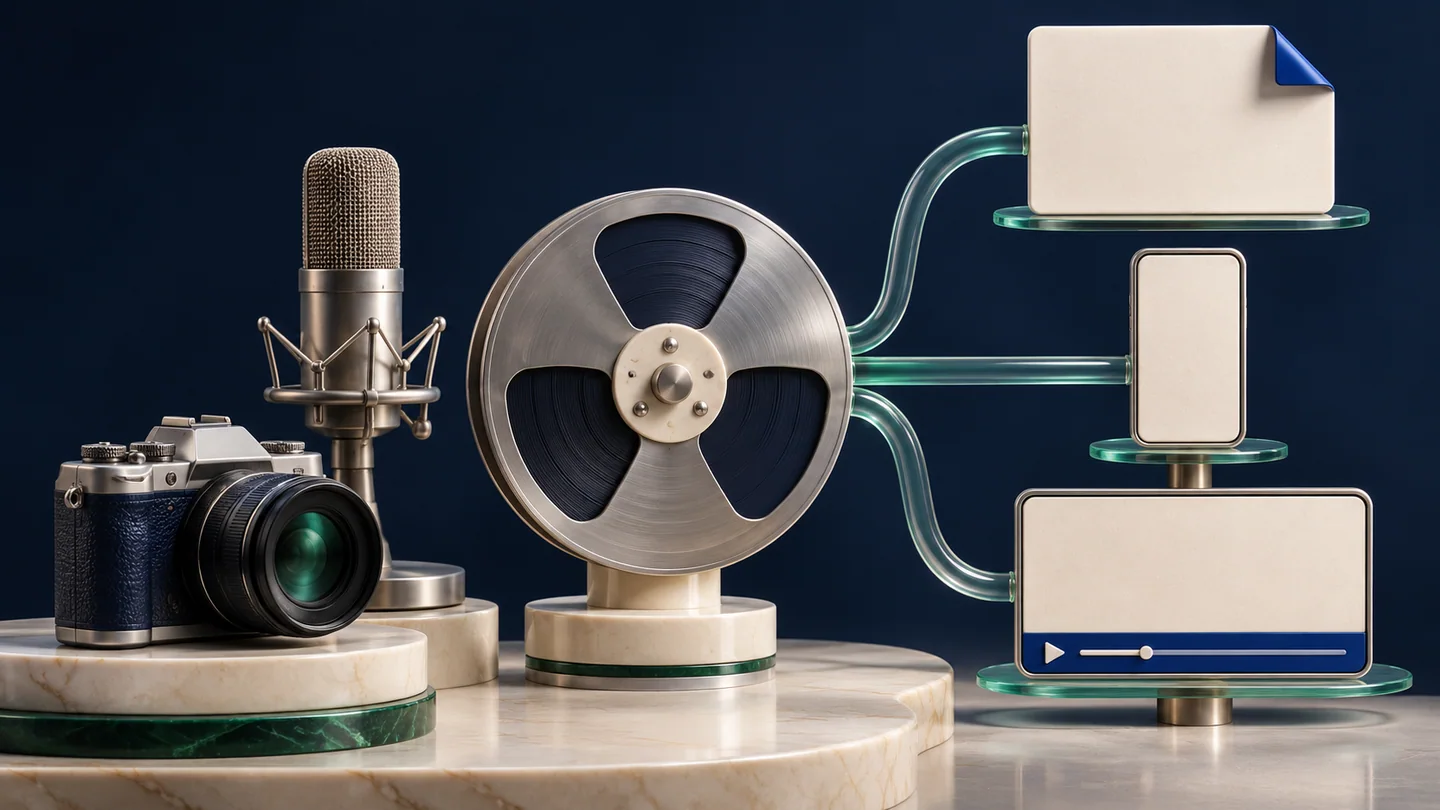
Repurpose a recording by extracting complete, useful ideas for different audiences and formats. Start with an approved source and an editorial map, then produce articles, clips and accessible supporting assets. Splitting a recording into many fragments without context can create more content while making the message less useful.
Define the source and permissions
Record who owns the recording, which speakers approved reuse and what restrictions apply to examples, slides, music or customer information. Keep those decisions with the production brief so later editors do not have to guess.
Identify the intended audience and the action the content should support. A technical webinar may serve both practitioners who need implementation detail and buyers who need a decision framework. Those are different editorial outputs, even when they share the same source.
Build an editorial map
Create a timestamped list of substantive ideas: the question answered, the supporting explanation, any example and the caveat that must remain attached. Mark statements that need fact-checking or speaker clarification.
Choose outputs by reader task. One segment might support a comparison article; another might become a short demonstration clip. Do not turn every minute into a separate post. If two proposed articles answer the same question, combine them or clarify the distinction.
Verify the transcript
Use transcription as a starting point, then review names, technical terms, numbers and speaker attribution. Errors in the source transcript can spread into every derivative asset.
Separate a speaker's opinion from an established fact. Check changing product details against primary documentation before publishing. If an example is hypothetical, retain that label when it becomes a written article or graphic.
Write the article as an article
A transcript is organized by speech; a useful guide is organized by the reader's task. Lead with the answer, add descriptive headings and include a practical example or checklist. Link to the full recording where available so readers can inspect the context.
Avoid implying that the company performed work merely because a speaker described a scenario. Add original business evidence only when it is accurate and approved. Google's helpful-content guidance is relevant to the quality review: the article should offer a satisfying answer rather than exist only as another indexed URL.
Cut clips without changing the claim
Keep enough context for a viewer to understand what the statement applies to. A short clip should not remove a condition that reverses the meaning. Review the opening frame, caption and thumbnail together with the excerpt.
Create platform-appropriate framing and legible captions, but keep the master source and edit decisions. If a factual correction is needed later, that record helps identify every affected asset.
Make the media accessible
Review captions for accuracy and synchronization. Supply a useful transcript and consider whether important visual information needs a text or audio explanation. Choose a player and controls that can be operated by the intended audience.
W3C's audio and video accessibility guidance provides a planning reference. Accessibility should enter the production brief early because it is harder to reconstruct missing descriptions after editing is complete.
Manage the release as a connected set
Use one asset register with source, owner, status, destination, publication date and revision history. Link related pieces where the connection helps the reader, rather than posting identical text everywhere.
For a campaign, define what a suitable response looks like: viewing a demonstration, reading a deeper guide or requesting a relevant discussion. Measure those actions and review the quality of resulting enquiries. A large clip count is a production measure, not proof of business impact.
Example production package
- One complete source recording with approved reuse terms.
- One checked transcript and timestamped topic map.
- One detailed guide answering a distinct question.
- A small set of self-contained clips with accurate captions.
- Relevant still images or diagrams with descriptive text.
- A release register and a correction procedure.
Explore video production, podcast production, content marketing and technical writing.
Common questions
Can AI do the entire workflow?
It can assist with transcription, selection and drafting, but permissions, context, factual review and final approval still need accountable ownership.
Should every clip become a blog post?
Only when it supports a distinct useful article. Several clips can instead support one stronger guide.