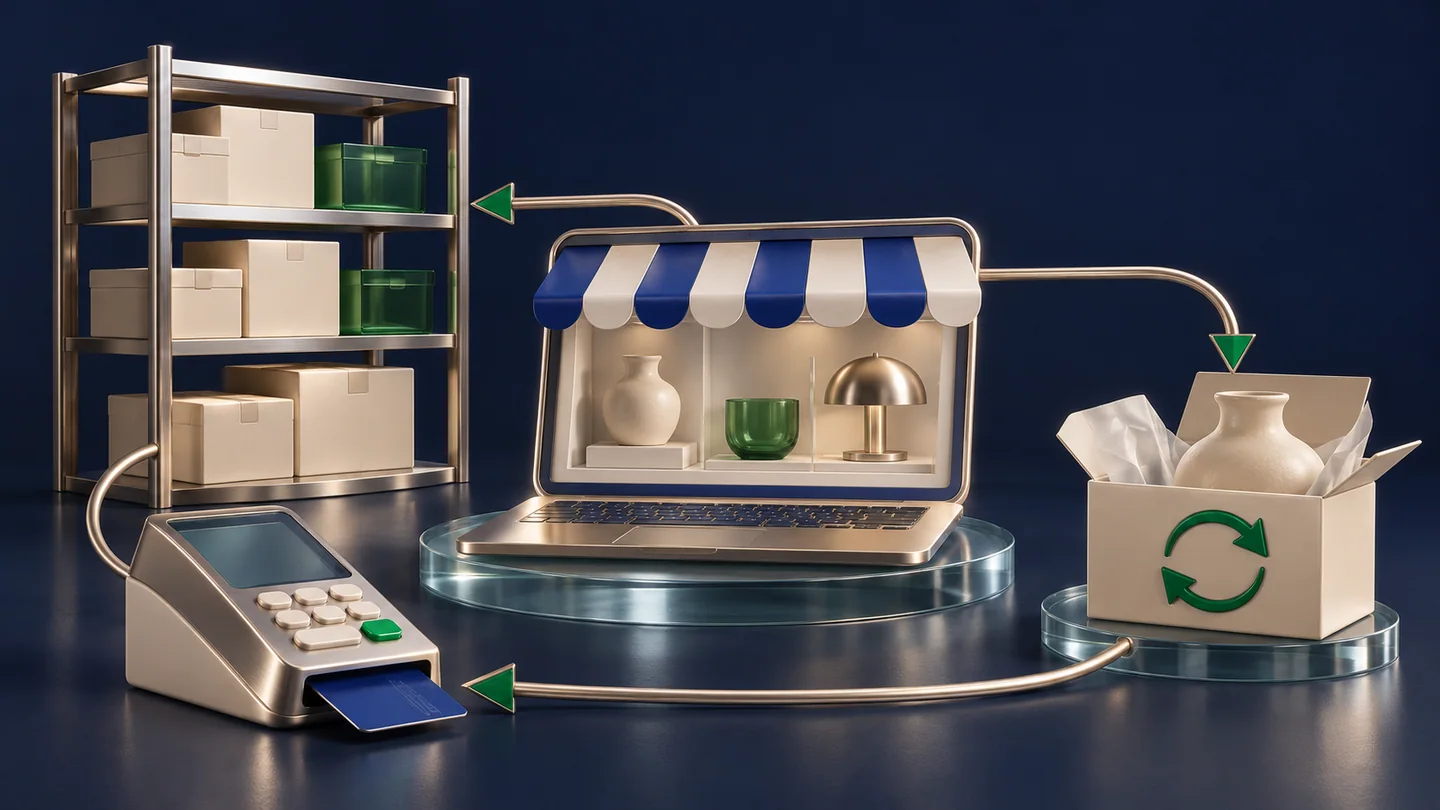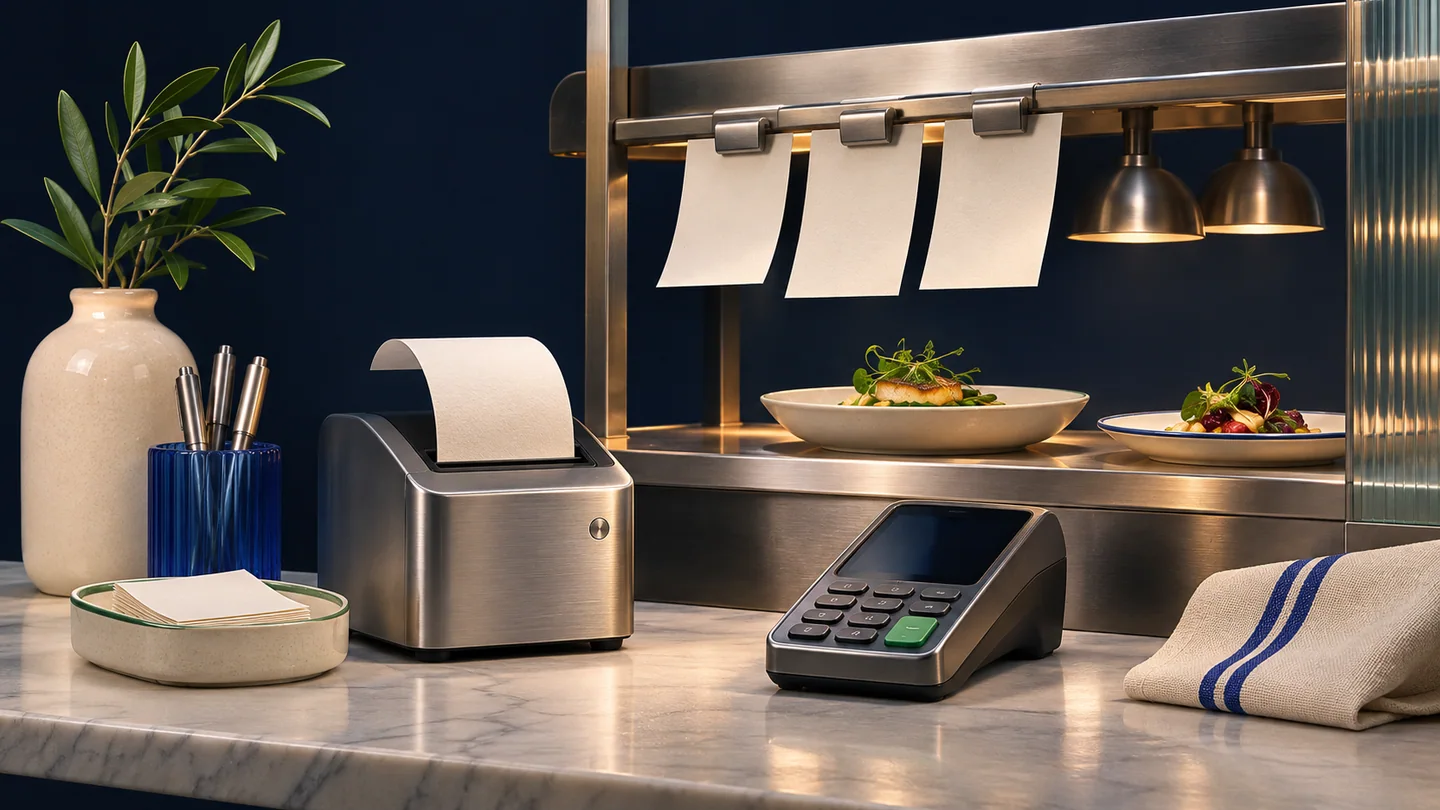
Evaluate a restaurant POS by running a representative shift from order entry to closing reconciliation. A polished billing screen is only one part of the operation. Kitchen communication, corrections, payments, access and recovery determine whether the system works when the restaurant is busy.
Map the service model
List how orders arrive: table service, counter, takeaway, online or delivery. Record menu variations, modifiers, discounts and the points where staff hand work to the kitchen or cashier. A small counter operation and a multi-section dining room can need different workflows.
Define devices, printers and network dependencies. Ask which functions work during an internet interruption and how records synchronize afterward. Treat any offline capability as something to demonstrate, not a checkbox to accept without testing.
Build a test shift
Create a small sample menu and a sequence of realistic orders. Include changes after a kitchen ticket is issued, an unavailable item, a cancellation and a bill correction. Use dummy customer data and test payment arrangements.
Ask staff to perform the sequence themselves. Watch for repeated entry, unclear states and tasks that require an administrator unnecessarily. Record time and confusion as observations, without turning one rehearsal into a universal performance claim.
Reconcile the payment journey
Distinguish an order, a bill and a payment. A payment can be pending, failed, partially received or reversed. Decide how the POS represents each state and how staff reconcile it at closing.
If a payment provider is integrated, verify the source of confirmation and how duplicate or delayed events are handled. A customer returning to a browser success screen is not sufficient evidence for every payment workflow. Stripe's webhook documentation provides one provider's event-delivery reference; verify the equivalent behavior for your actual provider.
Test kitchen and correction workflows
Confirm which station receives each item and what happens when a ticket is reprinted or amended. Changes should be visible enough to prevent accidental duplicate preparation. Staff need a clear way to explain why an item was voided or a bill was adjusted.
Separate permissions for routine service, discounts, cancellations, refunds and administrative configuration. Shared administrator credentials make it hard to investigate errors. Review whether the activity history is usable by the manager rather than merely present somewhere in the system.
Plan the migration
Inventory menu data, modifiers, stock records, open orders and any customer information you intend to transfer. Clean duplicates before importing. Rehearse the import and compare totals and relationships with the original records.
Choose a changeover time and define the fallback if the new system cannot complete a shift. Retain required historical records in a usable format. The correct retention and billing requirements depend on the business and jurisdiction; confirm those separately rather than relying on a product article as tax advice.
Review reports through a closing example
Ask a manager to reconcile a test shift: sales, adjustments, payment methods and unresolved transactions. Reports should make discrepancies discoverable. A chart that looks attractive but cannot be traced to bills is not enough.
For inventory, clarify whether the system tracks purchased ingredients, recipe usage, finished items or only menu availability. These are different levels of functionality. Verify what is included in the current product and what requires configuration or custom work.
A purchase and rollout checklist
- Sample shift completed by actual staff.
- Device and printer compatibility demonstrated.
- Connection-loss behavior tested.
- Payment reconciliation and correction paths verified.
- Roles and activity history reviewed.
- Data import rehearsed and reconciled.
- Staff training and support contacts agreed.
- Exit export and fallback process documented.
Use this checklist when reviewing Dinewizz, POS development services or another supplier. It is a selection framework, not a claim that every listed capability is included in a particular subscription.
Common questions
Should I switch all locations at once?
Where practical, a controlled pilot can reveal workflow and training issues before a wider rollout. The right sequence depends on how locations share data and operations.
Is a feature demonstration enough?
Ask your own staff to complete a full sequence, including exceptions and closing. Demonstrating isolated buttons misses the handoffs that often cause problems.