
AI Chatbot software for Indian businesses
An AI chatbot answers customer questions on a website or in an app by retrieving relevant passages from the company's own help articles, policies and product data and drafting a reply from them. Support, sales and admissions teams use it to handle repetitive questions and route the rest to people. It replaces keyword-only FAQ bots and contact forms that leave visitors waiting for an email.
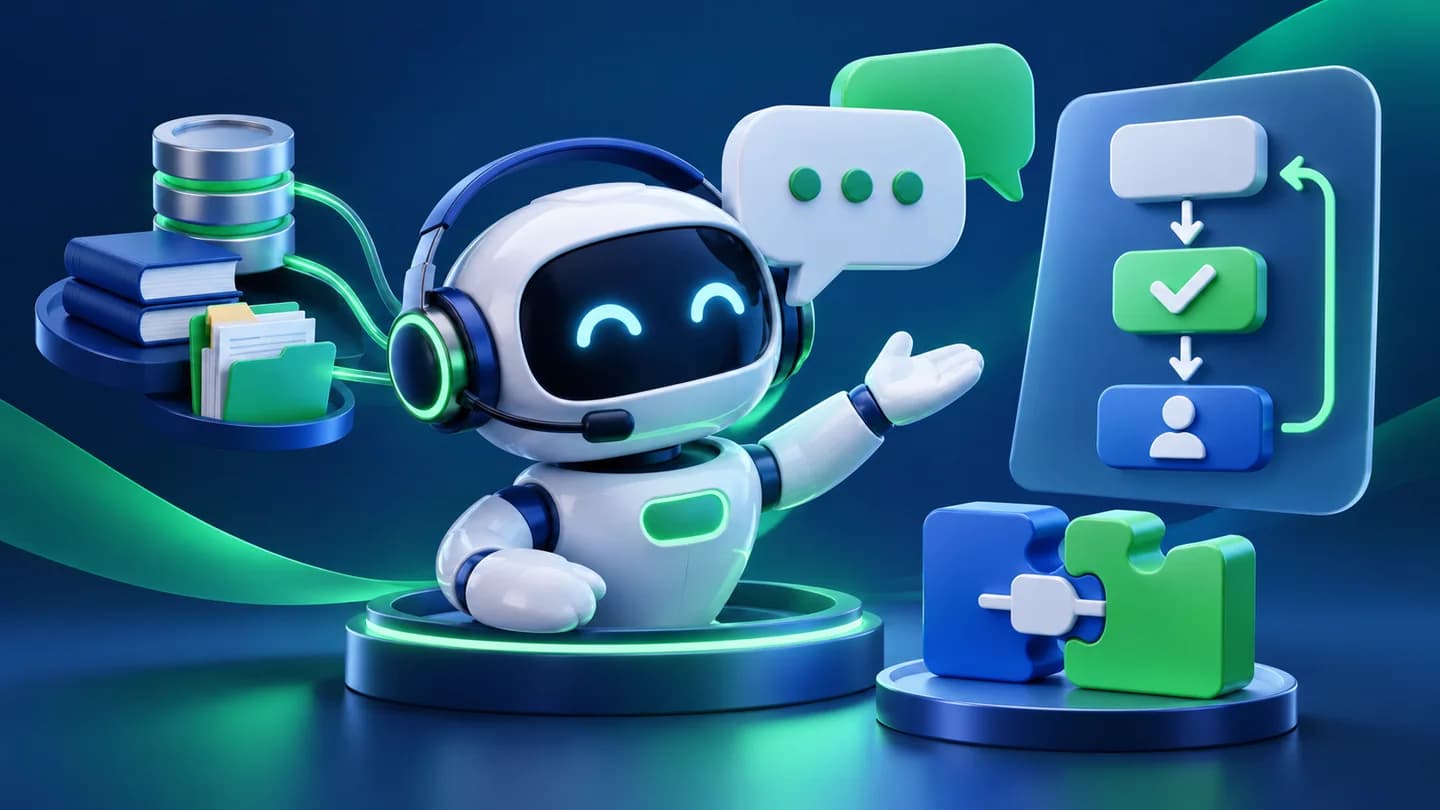
Problems ai chatbot software solves
- Support agents answer the same order-status, return-policy and pricing-page questions dozens of times a day, which slows replies to harder cases.
- Rule-based bots break as soon as a customer words a question differently from the scripted option.
- A general language model with no access to your documents can state wrong policies or invent product details with confidence.
- Visitors outside office hours get no answer, and leads drift away before anyone replies.
- When a bot cannot help, the customer is stuck in a loop with no easy route to a person.
What ai chatbot software should do
The capabilities to expect, and to check in any demo — whether you buy, configure or build.
Knowledge base ingestion
Imports help-centre pages, PDFs, product catalogues and policy documents, splits them into passages and keeps them in sync when content changes.
Retrieval-augmented generation (RAG)
Finds the passages most relevant to a question and instructs the model to answer only from them, which reduces but does not eliminate wrong answers.
Source citations
Shows which article or document each answer came from so customers and reviewers can verify it.
Guardrails and scope control
Limits topics, declines questions outside the knowledge base, avoids legal or medical advice and refuses prompt-injection attempts.
Human handover
Passes the full conversation to a live agent or a ticket when the customer asks, the bot is unsure or the topic is sensitive.
Actions through APIs
Looks up order status or books a slot through authenticated calls to your systems, with confirmations before anything changes.
Conversation review and feedback
Lets staff read transcripts, flag wrong answers, correct source content and add missing articles.
Privacy and data controls
Redacts sensitive fields such as card numbers from logs and controls retention and which model provider sees the data.
Who uses ai chatbot software
How the ai chatbot process works
The day-to-day process the software has to support, step by step.
Collect and clean the sources
Gather current policies and help content, remove outdated pages and fill obvious gaps before the bot reads anything.
Index for retrieval
Documents are chunked and stored in a search index, often with embeddings and keyword search combined.
Answer with grounding
For each question the system retrieves passages, drafts an answer from them and attaches citations, or says it does not know.
Escalate when needed
Low confidence, frustration signals or a request for a person trigger handover with the chat history attached.
Test on real questions
A reviewed set of past tickets is run through the bot and wrong or risky answers are fixed before launch.
Monitor and improve
Staff review samples of live conversations every week and update the knowledge base.
Integrations to plan for
Systems ai chatbot software commonly connects to. Confirm connector availability and any provider fees.
- Help-centre and CMS content
- Zendesk / Freshdesk / Intercom
- HubSpot / Zoho CRM
- Shopify / WooCommerce order APIs
- WhatsApp Business Platform (Cloud API)
- OpenAI / Anthropic / open-source models
- Vector databases such as pgvector
Metrics worth tracking
- Resolution without handover, reviewed by sampling — counts only answers a reviewer judges correct.
- Wrong or unsupported answer rate from human review — the main safety measure for a model that can be confidently wrong.
- Handover rate and reasons — reveals gaps in the knowledge base.
- Customer satisfaction after bot chats — compares the experience against human support.
- Unanswered question themes — a prioritised list of missing documentation.
India: compliance and market notes
- Customers write in English, Hindi and mixed forms such as Hinglish; test the bot on the languages and scripts your customers actually use rather than assuming parity with English.
- Chat transcripts may contain personal data, so state what is collected, limit retention and handle it in line with the DPDP Act, 2023. Avoid sending sensitive identifiers to external model providers unless contracts and settings permit it.
General information, not legal or tax advice. Confirm how these apply to your business with your adviser.
Off-the-shelf or tailored?
A hosted chatbot builder is enough for a small site with a tidy FAQ and no system integrations. A custom build pays off when answers must use live order, account or inventory data, when data must stay in a specific region or provider, or when you need tailored handover and review workflows. Splicity can design the retrieval pipeline, guardrails and handover to your support tools.
Pricing
Pricing is quote-based. It depends on the number of users and locations, the modules you need, integrations, data migration, hosting (cloud or your own servers) and the support level you choose. We scope it on a short requirements call and confirm everything in writing before work starts.
How to evaluate ai chatbot
Before a demo, write down who owns each step of the workflow above, where today's data comes from and which decisions need approval. Then put these questions to every vendor, including us:
Questions to bring to your demo
- Demonstrate knowledge base ingestion and retrieval-augmented generation (RAG) using a sample from our own business, including one exception case.
- Which of these integrations are available as standard, and which need configuration or development: Help-centre and CMS content, Zendesk / Freshdesk / Intercom, HubSpot / Zoho CRM?
- How does your setup handle this requirement: Customers write in English, Hindi and mixed forms such as Hinglish?
- How will we track resolution without handover, reviewed by sampling, and can we export the underlying data?
- How are existing records imported and checked, and how do we get our data back if we change systems?
Confirm included features, supported platforms, implementation work and commercial terms in your proposal before purchase.
Questions, answered
Can an AI chatbot give wrong answers?
Yes. Language models can produce fluent but incorrect statements, known as hallucinations. Grounding answers in your documents, showing citations, limiting scope and reviewing transcripts reduces the risk but cannot remove it.
What is RAG and why does it matter?
Retrieval-augmented generation fetches relevant passages from your own content at question time and has the model answer from them. It keeps answers tied to your current policies and lets the bot cite sources.
How is this different from an AI voice assistant?
A chatbot handles typed text on a site or app. A voice assistant works on phone calls and adds speech-to-text, text-to-speech and call routing. They can share the same knowledge base.
Will it replace my support team?
It is better treated as a first line for repetitive questions. People remain necessary for exceptions, complaints, judgement and anything involving money or safety.
Ready to grow with AI Chatbot
Tell us a little about your needs and our team will follow up to scope a demo and a quote for your setup.
Scope
Discuss your workflow
Demo
Review the fit
Quote
Confirm costs
Plan
Agree next steps
Plan your rollout
Discuss data migration, configuration and team onboarding.
Define requirements
Review access, data handling and recovery expectations.
Agree on support
Confirm support coverage and responsibilities in your proposal.