
Clinic Management software for Indian businesses
Clinic management software runs the operations of an outpatient clinic: the front desk, queues, billing, consultation scheduling, consumables and medicines stock, and daily reports. Clinic owners, managers and receptionists use it instead of paper registers, billing books and spreadsheets. It sits around clinical tools rather than replacing them: patient registration, medical records, prescriptions and doctor payouts are covered by their own products and should connect to it.
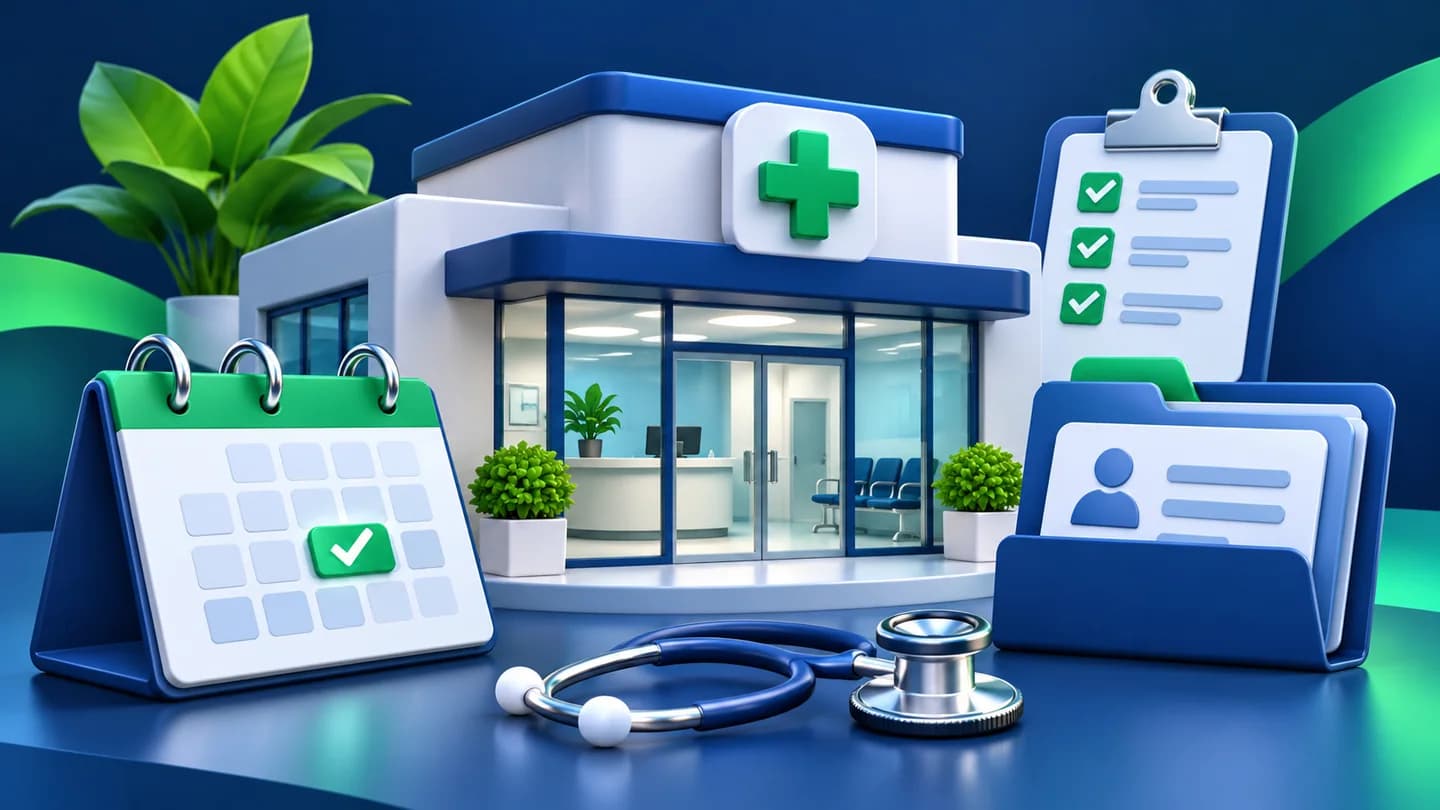
Problems clinic management software solves
- The front desk juggles walk-ins, booked patients and phone enquiries with no single view of who is waiting for which doctor.
- Bills are written by hand or in separate sheets, so procedures, consultation fees and medicines are not reconciled at day end.
- Consumables and in-clinic medicine stock run out or expire unnoticed.
- Owners cannot see daily collection, doctor-wise revenue or footfall without asking the receptionist.
- Multi-branch clinics cannot compare branches or standardise price lists.
What clinic management software should do
The capabilities to expect, and to check in any demo — whether you buy, configure or build.
Front desk and queue
Shows today's booked and walk-in patients by doctor with status such as waiting, in consultation or billed. Token numbers and waiting screens can be driven from it.
Billing and price lists
Creates itemised bills for consultation, procedures and consumables from a clinic-defined price list, with discounts needing approval and receipts by cash, UPI or card.
Package and treatment plans
Tracks multi-visit treatments such as dental courses or physiotherapy sessions with advance payments and sessions remaining.
Clinic inventory
Records stock of consumables and dispensed medicines with batch and expiry, reorder levels and consumption per procedure.
Insurance and corporate billing
Handles bills raised to insurers or corporate tie-ups with pre-authorisation references, and tracks claim status and outstanding balances.
Staff roles and shifts
Defines what receptionists, nurses and doctors can see and do, and logs who changed a bill or reopened a record.
Daily and monthly reports
Gives collection by mode, doctor-wise and service-wise revenue, footfall, and pending dues for the owner or accountant.
Who uses clinic management software
How the clinic management process works
The day-to-day process the software has to support, step by step.
Patient arrives or books
The front desk finds or creates the patient record and places them in the doctor's queue.
Consultation and orders
The doctor sees the patient and records the procedures or tests ordered, which flow to billing.
Bill and collect
The receptionist generates the bill, applies approved discounts and issues a receipt.
Dispense and update stock
Any medicines or consumables used are deducted from the clinic's inventory by batch.
Close the day
The manager reconciles cash and digital collections against the day book and reviews the daily report.
Integrations to plan for
Systems clinic management software commonly connects to. Confirm connector availability and any provider fees.
- Payment gateways (Razorpay / PayU) and UPI QR
- Tally and other accounting software
- SMS and WhatsApp Business API
- ABDM health information exchange (via certified integration)
- Patient, appointment and EMR modules
- Lab and pharmacy systems
- Token display screens and barcode printers
Metrics worth tracking
- Average waiting time per doctor — shows whether scheduling and queue flow work
- Collection by mode and day — supports cash control and reconciliation
- Revenue by doctor and service — informs fee settings and room use
- Consumables near expiry or below reorder level — avoids stock-outs and waste
- Outstanding insurer or corporate balances — highlights delayed receivables
India: compliance and market notes
- Clinical establishments may need registration under the Clinical Establishments (Registration and Regulation) Act in states that have adopted it, or under state-specific laws; the registration number should be printable on bills and letterheads where required.
- Where the clinic dispenses medicines directly, stock and sale records must follow the Drugs and Cosmetics Act and Rules, including licences and batch and expiry tracking.
- Patient health data is personal data under the Digital Personal Data Protection Act, 2023, so access should be limited by role and based on the consent the patient has given.
- Clinics that want to link records to the national digital health ecosystem can register their facility in the ABDM Health Facility Registry; the software should hold the facility ID where one exists.
- GST treatment differs for healthcare services and for medicines or consumables sold, so the price list should let the clinic's accountant set the tax category per item.
General information, not legal or tax advice. Confirm how these apply to your business with your adviser.
Off-the-shelf or tailored?
A packaged clinic system is usually enough for a single-doctor or small clinic with simple billing. A tailored build helps when you run several branches with different price lists, tie up with insurers or corporates, run treatment-package workflows, or need integration with an existing lab, pharmacy or accounting system. Splicity can configure or build the front-desk and billing flows around how your clinic actually runs.
Pricing
Pricing is quote-based. It depends on the number of users and locations, the modules you need, integrations, data migration, hosting (cloud or your own servers) and the support level you choose. We scope it on a short requirements call and confirm everything in writing before work starts.
How to evaluate clinic management
Before a demo, write down who owns each step of the workflow above, where today's data comes from and which decisions need approval. Then put these questions to every vendor, including us:
Questions to bring to your demo
- Demonstrate front desk and queue and billing and price lists using a sample from our own business, including one exception case.
- Which of these integrations are available as standard, and which need configuration or development: Payment gateways (Razorpay / PayU) and UPI QR, Tally and other accounting software, SMS and WhatsApp Business API?
- How does your setup handle this requirement: Clinical establishments may need registration under the Clinical Establishments (Registration and Regulation) Act in states that have adopted it, or under state-specific laws?
- How will we track average waiting time per doctor, and can we export the underlying data?
- How are existing records imported and checked, and how do we get our data back if we change systems?
Confirm included features, supported platforms, implementation work and commercial terms in your proposal before purchase.
Questions, answered
How is clinic management different from EMR and patient management?
Clinic management covers operations: front desk, billing, stock and reporting. Patient management holds registration and visit history, and an EMR holds clinical notes. In practice they share one patient record and should not be bought as disconnected tools.
Does it work for a single doctor?
Yes, but a very small clinic may only need appointments, billing and prescriptions. Pay attention to whether the software lets you start with those and add modules as the clinic grows.
Can it manage insurance and corporate billing?
It can record pre-authorisation and claim references and track outstanding amounts. Actual claim submission depends on each insurer's or TPA's process, so confirm what is supported with them.
Who should have access to bills and discounts?
Receptionists usually create bills, while discounts and cancellations should need a manager's approval. An audit log of changed bills is a reasonable requirement.
Ready to grow with Clinic Management
Tell us a little about your needs and our team will follow up to scope a demo and a quote for your setup.
Scope
Discuss your workflow
Demo
Review the fit
Quote
Confirm costs
Plan
Agree next steps
Plan your rollout
Discuss data migration, configuration and team onboarding.
Define requirements
Review access, data handling and recovery expectations.
Agree on support
Confirm support coverage and responsibilities in your proposal.