
Form Builder software for Indian businesses
A form builder lets non-developers create data collection forms, such as applications, registrations, requests and onboarding packs, and send each submission into a defined process. HR, admissions, operations and sales teams use it in place of PDFs, paper and email replies. The goal is clean, validated data that arrives with an owner and a next step.
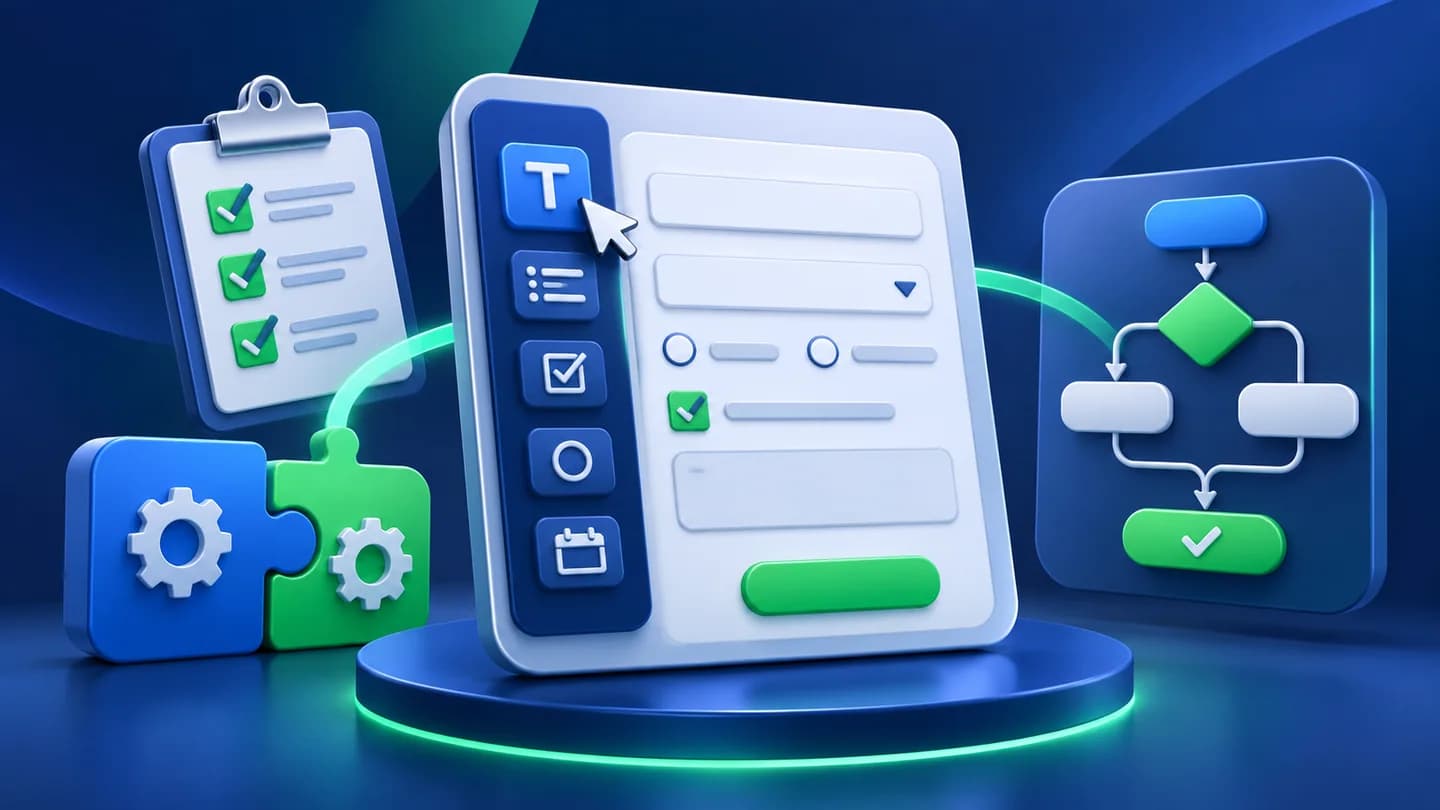
Problems form builder software solves
- People fill free-text answers in inconsistent formats, so phone numbers, dates and PAN entries need manual clean-up.
- Required documents are sent later by email, and applications sit incomplete for days.
- Submissions land in one inbox with no owner, and nobody follows up.
- The same form is copied and edited many times, creating several versions with different questions.
What form builder software should do
The capabilities to expect, and to check in any demo — whether you buy, configure or build.
Drag-and-drop form designer
Builds forms from field types such as text, dropdown, date, table, signature and file upload, with pages and sections.
Conditional logic
Shows or hides fields and sections based on earlier answers, so applicants see only relevant questions.
Validation rules
Checks formats such as email, mobile number, PIN code or PAN pattern, and enforces required fields and value ranges before submit.
File uploads
Accepts documents and photos with type and size limits and malware scanning, and links them to the submission.
Workflow and approvals
Routes each submission to a person or queue, supports multi-step approvals and sends status updates to the submitter.
Save and resume, and prefill
Lets applicants save progress and return, and prefills known data from a link or an existing record.
Payments and signatures
Collects fees and signatures within the form where the process needs them.
Submission data and export
Stores responses in a structured table with filters, exports to spreadsheets and pushes data to other systems through an API.
Who uses form builder software
How the form builder process works
The day-to-day process the software has to support, step by step.
Design the form
List the fields the process needs, set validation and add conditional sections.
Publish and embed
Share a link or embed the form on a website or app.
Receive and validate
Submissions are checked on entry and incomplete ones are blocked or flagged.
Route and approve
Each response goes to the right owner, with approvals and reminders.
Store and integrate
Approved data is written to the CRM, HRMS or database and the submitter is notified.
Integrations to plan for
Systems form builder software commonly connects to. Confirm connector availability and any provider fees.
- Google Sheets / Excel
- HubSpot / Zoho CRM
- HRMS and ERP systems
- Razorpay / Cashfree for fees
- Aadhaar eSign / DSC providers
- WhatsApp / email notifications
- Zapier / webhooks
Metrics worth tracking
- Completion rate by form step — shows which question makes people abandon the form
- Time from submission to first action — reveals slow follow-up
- Share of submissions failing validation — points to unclear questions
- Approval turnaround by approver — shows bottlenecks in the routing
India: compliance and market notes
- Forms that collect personal data should present a clear notice and obtain consent under the Digital Personal Data Protection Act, 2023, and collect only data needed for the stated purpose.
- Aadhaar numbers are regulated, so forms should not collect or store them unless there is a legal basis, and where they are collected they should be masked as the rules require.
General information, not legal or tax advice. Confirm how these apply to your business with your adviser.
Off-the-shelf or tailored?
Hosted form tools such as Google Forms, Typeform and Jotform are enough for simple collection and low volumes. A tailored build pays off when forms must write into your own database with strict validation, when approvals follow a specific authority matrix, or when applicants authenticate through your portal. Splicity can configure an existing tool or build a form and workflow engine into your application.
Pricing
Pricing is quote-based. It depends on the number of users and locations, the modules you need, integrations, data migration, hosting (cloud or your own servers) and the support level you choose. We scope it on a short requirements call and confirm everything in writing before work starts.
How to evaluate form builder
Before a demo, write down who owns each step of the workflow above, where today's data comes from and which decisions need approval. Then put these questions to every vendor, including us:
Questions to bring to your demo
- Demonstrate drag-and-drop form designer and conditional logic using a sample from our own business, including one exception case.
- Which of these integrations are available as standard, and which need configuration or development: Google Sheets / Excel, HubSpot / Zoho CRM, HRMS and ERP systems?
- How does your setup handle this requirement: Forms that collect personal data should present a clear notice and obtain consent under the Digital Personal Data Protection Act, 2023, and collect only data needed for the stated purpose?
- How will we track completion rate by form step, and can we export the underlying data?
- How are existing records imported and checked, and how do we get our data back if we change systems?
Confirm included features, supported platforms, implementation work and commercial terms in your proposal before purchase.
Questions, answered
How is a form builder different from a survey builder?
A form collects structured data that triggers a process, such as an application or request. A survey measures opinion across many respondents with question types, anonymity and analysis. The overlap is that both collect responses.
Can a form trigger an approval workflow?
Yes, a form can route each submission through one or more approvers and notify the applicant of the outcome. Check that approvers can delegate and that every decision is logged.
Can we limit what applicants upload?
Upload fields can restrict file type and size and scan files for malware. Decide in advance where files are stored and who can open them, since uploads often contain personal data.
How do we avoid duplicate submissions?
Use unique identifiers such as email or reference number with a duplicate check, and show a clear confirmation on submit. For sensitive processes, require authentication before the form opens.
Ready to grow with Form Builder
Tell us a little about your needs and our team will follow up to scope a demo and a quote for your setup.
Scope
Discuss your workflow
Demo
Review the fit
Quote
Confirm costs
Plan
Agree next steps
Plan your rollout
Discuss data migration, configuration and team onboarding.
Define requirements
Review access, data handling and recovery expectations.
Agree on support
Confirm support coverage and responsibilities in your proposal.