
Password Manager software for Indian businesses
A business password manager stores credentials in an encrypted vault, fills them for users and lets teams share access without sharing the password in chat. IT heads and founders use it to replace spreadsheets, browser-saved passwords and credentials pasted into messages. Its value is control over who holds which credential and what happens when someone leaves.
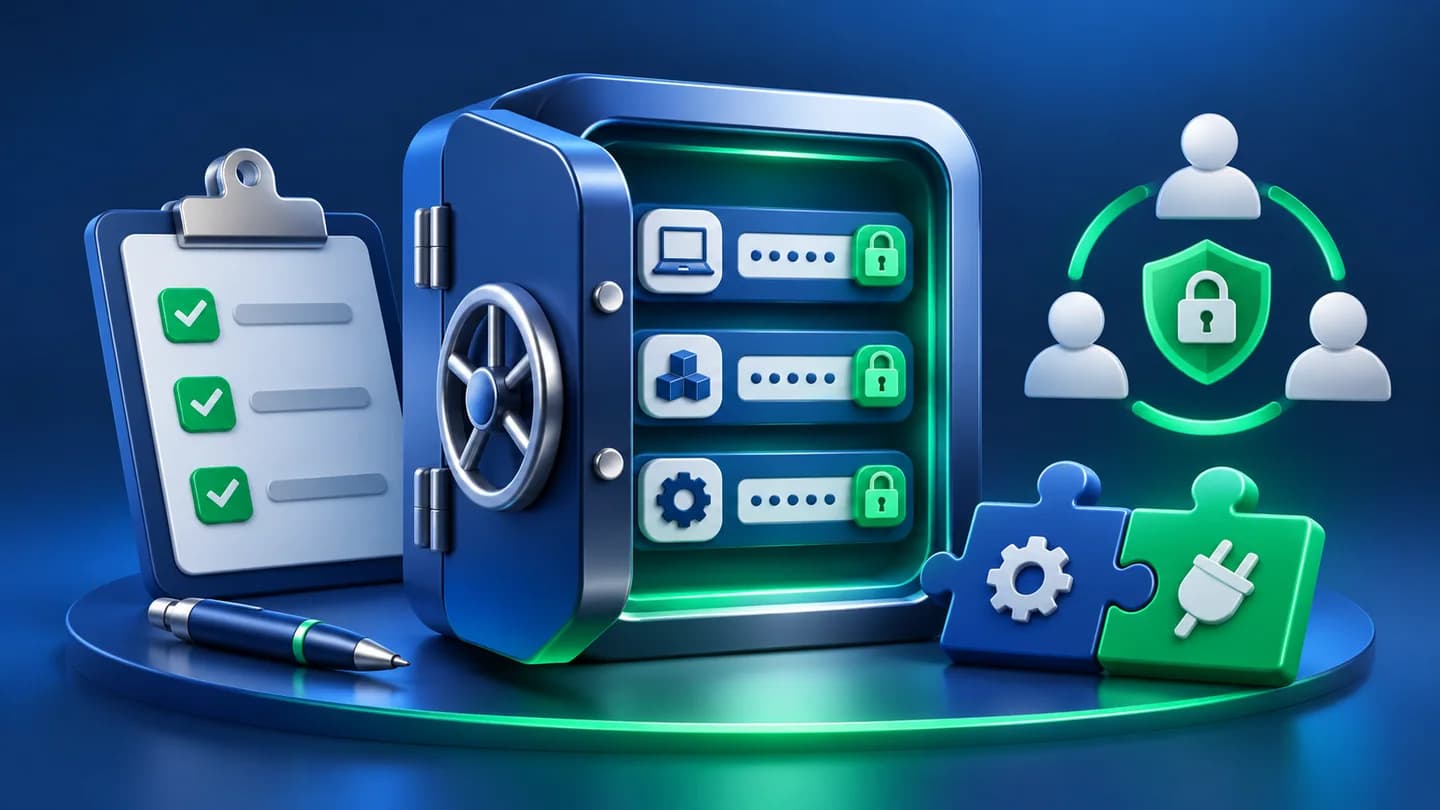
Problems password manager software solves
- Shared logins for the GST portal, bank portals and ad accounts sit in a spreadsheet or a chat message.
- When an employee leaves, nobody knows which accounts they could access, and passwords are not rotated.
- Staff reuse weak passwords across systems because remembering many is impractical.
- There is no record of who viewed or used a sensitive credential.
What password manager software should do
The capabilities to expect, and to check in any demo — whether you buy, configure or build.
Encrypted vault
Stores credentials, notes and keys encrypted so that stolen storage does not reveal them.
Zero-knowledge architecture
Encrypts data on the user's device with a key derived from a master secret, so even the provider cannot read vault contents.
Shared vaults and folders
Shares credentials with a team by group, with view-only or edit rights, and updates everyone when a password changes.
Autofill and generator
Fills credentials in browsers and apps and generates long unique passwords, reducing reuse and phishing risk.
SSO and MFA integration
Signs users in through the company identity provider and enforces multi-factor authentication for vault access.
Admin policies
Sets minimum password strength, restricts sharing outside the company and requires MFA for all users.
Audit and activity reports
Logs sharing, access and changes to credentials, and reports weak, reused or old passwords.
Emergency access and recovery
Defines how access is recovered if a master secret is lost, without giving the provider a back door.
Who uses password manager software
How the password manager process works
The day-to-day process the software has to support, step by step.
Inventory credentials
List shared accounts and decide which vaults and groups own them.
Import and clean
Move credentials from spreadsheets and browsers, remove duplicates and rotate weak passwords.
Set policy
Require MFA and SSO, set strength rules and decide who may share outside the company.
Share by role
Give teams access through groups rather than by sending passwords.
Offboard on exit
Remove the person's access and rotate every shared credential they could view.
Integrations to plan for
Systems password manager software commonly connects to. Confirm connector availability and any provider fees.
- SSO via SAML / OpenID Connect
- Google Workspace / Microsoft Entra ID
- SCIM provisioning
- Browser extensions for Chrome / Edge / Firefox
- Mobile apps on Android / iOS
- SIEM log export
Metrics worth tracking
- Users with MFA enabled — closes the most common route to account takeover
- Weak, reused or old passwords — shows how much credential risk remains
- Shared credentials not rotated after an employee exit — a direct measure of offboarding gaps
- Accounts stored outside the vault — shows how complete adoption is
India: compliance and market notes
- CERT-In directions of April 2022 require ICT system logs to be maintained for 180 days and specified cyber incidents, including unauthorised access to systems, to be reported within 6 hours, so vault audit logs should be retained.
- Section 43A of the IT Act, 2000 and its rules expect reasonable security practices to protect sensitive personal data, and credential hygiene is a visible part of that.
- If a breach of personal data occurs, the Digital Personal Data Protection Act, 2023 requires notifying the Data Protection Board and affected data principals.
General information, not legal or tax advice. Confirm how these apply to your business with your adviser.
Off-the-shelf or tailored?
Established products such as Bitwarden, 1Password and similar tools are the safer choice for most companies, because building encryption yourself is risky. A custom build is rarely justified for the vault itself; it pays off for integration work such as automatic rotation, approval flows for privileged access or connecting to your identity and ticketing systems. Splicity can deploy and configure a product, including self-hosted options, and build the surrounding workflows.
Pricing
Pricing is quote-based. It depends on the number of users and locations, the modules you need, integrations, data migration, hosting (cloud or your own servers) and the support level you choose. We scope it on a short requirements call and confirm everything in writing before work starts.
How to evaluate password manager
Before a demo, write down who owns each step of the workflow above, where today's data comes from and which decisions need approval. Then put these questions to every vendor, including us:
Questions to bring to your demo
- Demonstrate encrypted vault and zero-knowledge architecture using a sample from our own business, including one exception case.
- Which of these integrations are available as standard, and which need configuration or development: SSO via SAML / OpenID Connect, Google Workspace / Microsoft Entra ID, SCIM provisioning?
- How does your setup handle this requirement: CERT-In directions of April 2022 require ICT system logs to be maintained for 180 days and specified cyber incidents, including unauthorised access to systems, to be reported within 6 hours, so vault audit logs should be retained?
- How will we track users with MFA enabled, and can we export the underlying data?
- How are existing records imported and checked, and how do we get our data back if we change systems?
Confirm included features, supported platforms, implementation work and commercial terms in your proposal before purchase.
Questions, answered
What does zero-knowledge mean?
The vault is encrypted and decrypted on your device with a key the provider never holds. A breach at the provider should not expose readable passwords. The trade-off is that a lost master secret cannot be reset by the provider, so recovery has to be planned.
How is it different from saving passwords in the browser?
Business password managers add shared vaults, admin policy, audit logs and offboarding control. Browser stores are personal, with no company oversight and weaker separation from the user's personal profile.
What happens when an employee leaves?
Remove their access immediately, then rotate every shared credential they could view, since they may have seen or copied the password. The audit log helps identify what to rotate.
Can it handle shared banking or GST portal logins?
It can store and share them, but some portals tie access to individual users or one-time codes sent to a registered phone. Check each portal's terms and prefer individual accounts where the portal supports them.
Ready to grow with Password Manager
Tell us a little about your needs and our team will follow up to scope a demo and a quote for your setup.
Scope
Discuss your workflow
Demo
Review the fit
Quote
Confirm costs
Plan
Agree next steps
Plan your rollout
Discuss data migration, configuration and team onboarding.
Define requirements
Review access, data handling and recovery expectations.
Agree on support
Confirm support coverage and responsibilities in your proposal.