
AI Meeting Assistant software for Indian businesses
An AI meeting assistant records or joins calls, transcribes the conversation, and produces a summary, decisions and action items that people can search later. Sales, product, HR, consulting and project teams use it so participants can focus on the discussion rather than note-taking. It replaces ad hoc notes and recordings nobody replays, but transcripts and summaries contain errors and sensitive content.
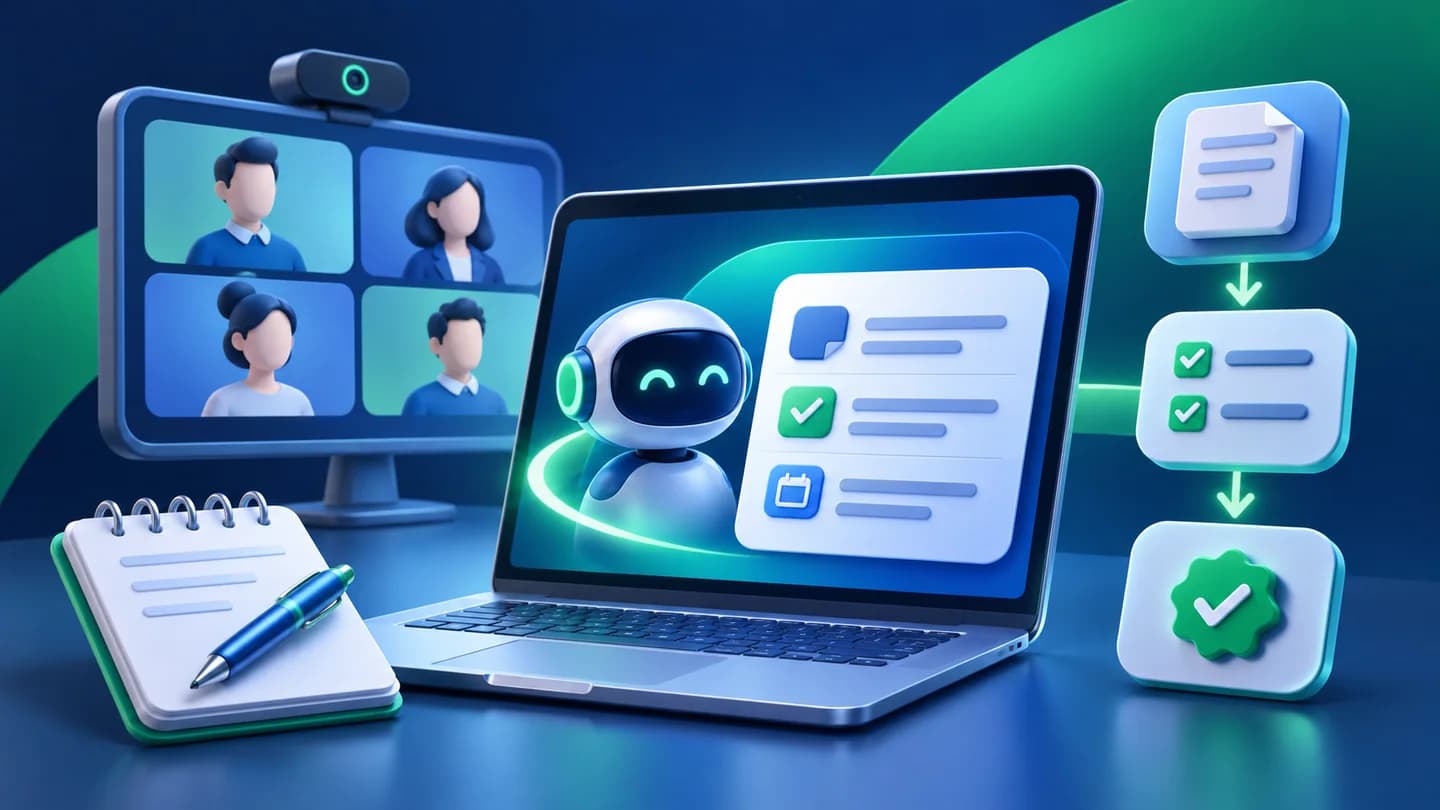
Problems ai meeting assistant software solves
- Action items from meetings are forgotten or remembered differently by each attendee.
- People who miss a meeting have to watch the recording or ask someone to summarise.
- Note-taking pulls attention away from the conversation, especially in sales and interviews.
- Transcripts misattribute speakers or mis-hear names, jargon and mixed-language speech.
- Recording without clear consent, or storing sensitive discussions indefinitely, creates legal and trust problems.
What ai meeting assistant software should do
The capabilities to expect, and to check in any demo — whether you buy, configure or build.
Capture and bot or device integration
Joins Google Meet, Zoom and Teams calls or processes uploaded audio, and shows participants that recording is on.
Consent and notification
Announces recording, supports opt-out and records who was informed, with admin rules for external participants.
Transcription with speaker labels
Converts audio to text with timestamps and attempts to attribute each segment to a speaker, supporting custom vocabulary for names and terms.
Summaries and decisions
Drafts an overview, key decisions and open questions, using templates by meeting type such as sales call or retrospective.
Action item extraction
Pulls out tasks with proposed owners and dates and lets attendees confirm or edit them before they are sent anywhere.
Search and Q&A across meetings
Finds what was said on a topic with links to the exact moment in the recording.
Sharing and permissions
Controls who can see recordings and notes, and supports redaction of sensitive segments.
Retention and deletion
Applies retention periods, deletes recordings on request and chooses where audio and text are stored.
Who uses ai meeting assistant software
How the ai meeting assistant process works
The day-to-day process the software has to support, step by step.
Get consent first
Tell participants the meeting will be recorded and transcribed and obtain agreement, especially for external parties.
Capture the meeting
The assistant joins or records the call and produces audio with timestamps.
Transcribe
Speech is converted to text with speaker labels and custom vocabulary applied.
Summarise and extract tasks
A summary, decisions and proposed action items are drafted for attendee review.
Confirm and distribute
Attendees correct errors, then tasks go to project tools and notes to the right people.
Retain or delete
Recordings are kept only as long as policy requires.
Integrations to plan for
Systems ai meeting assistant software commonly connects to. Confirm connector availability and any provider fees.
- Google Meet / Zoom / Microsoft Teams
- Google Calendar / Outlook
- Slack
- Jira / Asana / Linear
- HubSpot / Salesforce / Zoho CRM
- OpenAI / Anthropic / open-source models
Metrics worth tracking
- Word error rate on sampled transcripts — shows how far to trust the text.
- Share of action items confirmed by attendees — tests whether extraction is accurate and useful.
- Action items completed on time — shows whether notes lead to follow-through.
- Time spent writing meeting notes — measures the real saving.
- Recordings past retention limit — checks data-retention discipline.
India: compliance and market notes
- Obtain clear consent before recording or transcribing meetings, particularly with clients, candidates or external participants, and handle recordings as personal data under the DPDP Act, 2023.
- Indian meetings often mix English, Hindi and regional languages in a single conversation; test transcription accuracy on your own recordings before relying on summaries.
General information, not legal or tax advice. Confirm how these apply to your business with your adviser.
Off-the-shelf or tailored?
A commercial meeting assistant is enough for teams on mainstream conferencing tools who accept the vendor's storage terms. A custom build pays off when recordings must stay in your own environment, when summaries must follow house templates and feed your CRM or project tools, or when mixed-language accuracy needs tuning. Splicity can integrate transcription and summarisation with your workflows and retention rules.
Pricing
Pricing is quote-based. It depends on the number of users and locations, the modules you need, integrations, data migration, hosting (cloud or your own servers) and the support level you choose. We scope it on a short requirements call and confirm everything in writing before work starts.
How to evaluate ai meeting assistant
Before a demo, write down who owns each step of the workflow above, where today's data comes from and which decisions need approval. Then put these questions to every vendor, including us:
Questions to bring to your demo
- Demonstrate capture and bot or device integration and consent and notification using a sample from our own business, including one exception case.
- Which of these integrations are available as standard, and which need configuration or development: Google Meet / Zoom / Microsoft Teams, Google Calendar / Outlook, Slack?
- How does your setup handle this requirement: Obtain clear consent before recording or transcribing meetings, particularly with clients, candidates or external participants, and handle recordings as personal data under the DPDP Act, 2023?
- How will we track word error rate on sampled transcripts, and can we export the underlying data?
- How are existing records imported and checked, and how do we get our data back if we change systems?
Confirm included features, supported platforms, implementation work and commercial terms in your proposal before purchase.
Questions, answered
Do I need consent to record a meeting?
Best practice, and often a legal and contractual expectation, is to tell all participants and get their agreement before recording or transcribing. Ask legal counsel about rules for your sector and for calls across borders.
How accurate are AI meeting summaries?
They are usually helpful but can omit points, misattribute statements or misstate decisions. Attendees should review summaries and action items before treating them as the record.
How is this different from an AI voice assistant?
A meeting assistant listens to conversations between people and writes them up afterward. A voice assistant actively talks to callers on the phone and takes actions.
Can it handle Hindi and English mixed together?
Support differs by engine, and code-switched speech is harder. Test with your real meetings and add a custom vocabulary for names and terms.
Ready to grow with AI Meeting Assistant
Tell us a little about your needs and our team will follow up to scope a demo and a quote for your setup.
Scope
Discuss your workflow
Demo
Review the fit
Quote
Confirm costs
Plan
Agree next steps
Plan your rollout
Discuss data migration, configuration and team onboarding.
Define requirements
Review access, data handling and recovery expectations.
Agree on support
Confirm support coverage and responsibilities in your proposal.