
AI Voice Assistant software for Indian businesses
An AI voice assistant answers and places phone calls, converting speech to text, deciding what to say and speaking back with text-to-speech, while routing to people when needed. Contact centres, clinics, banks, logistics firms and lead-qualification teams use it for after-hours calls, reminders and simple requests. It replaces menu-only IVR trees that frustrate callers, but live voice adds latency, accent and noise challenges.
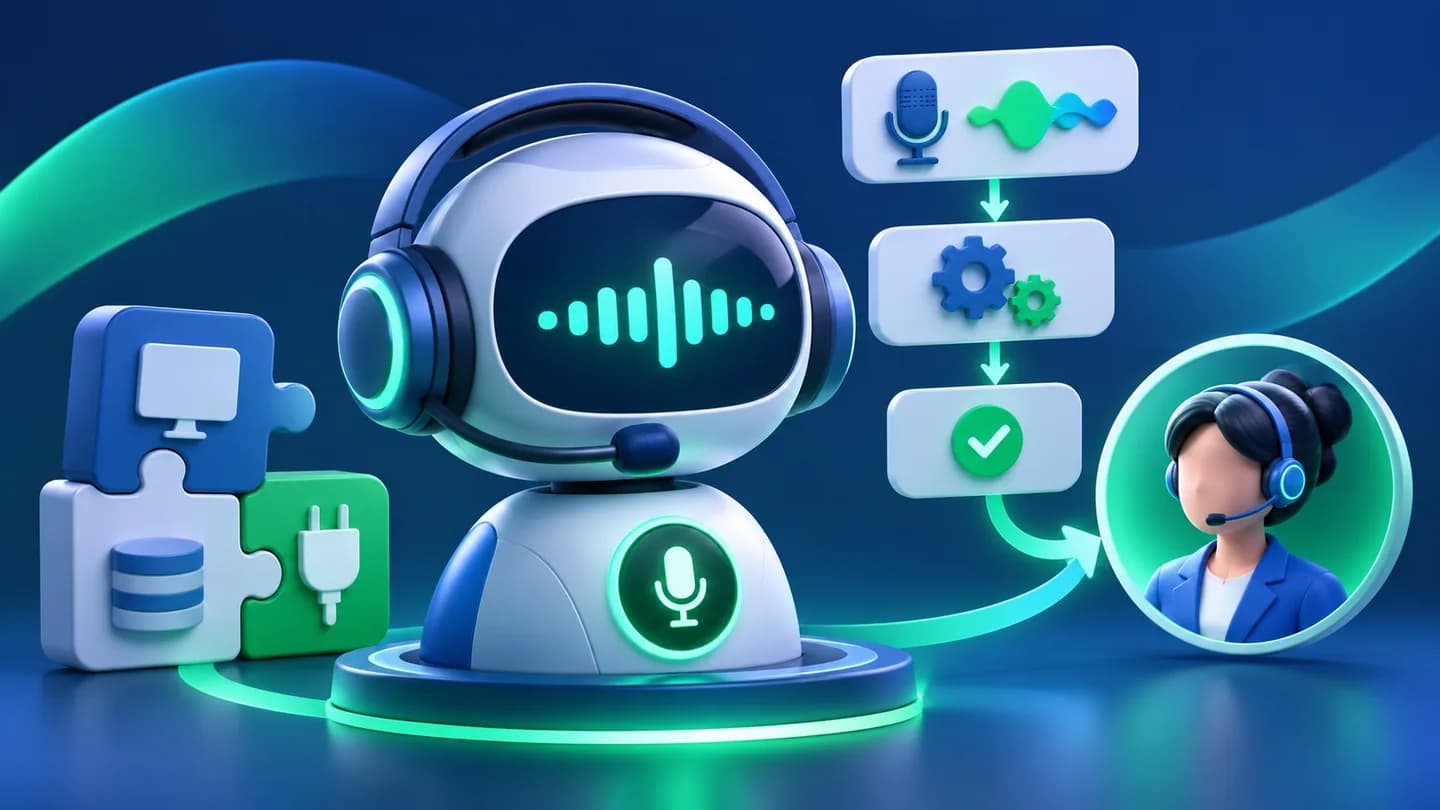
Problems ai voice assistant software solves
- Callers after hours reach voicemail or a rigid menu, and many hang up instead of leaving a message.
- IVR trees force callers through numbered menus that do not match what they want to say.
- Agents spend time on repetitive calls such as order status or appointment confirmation.
- Speech recognition trained on one accent mishears callers speaking regional accents, code-switching or from noisy places.
- Slow responses and awkward pauses make callers distrust automated voices.
What ai voice assistant software should do
The capabilities to expect, and to check in any demo — whether you buy, configure or build.
Telephony integration
Connects to SIP trunks and cloud telephony for inbound and outbound calls, with call recording and DTMF key-press support.
Speech-to-text
Transcribes caller speech in real time and is tuned for Indian-language accents, telephone-quality audio and background noise.
Dialogue and knowledge grounding
Interprets intent and answers from approved knowledge or live system lookups instead of free improvisation.
Text-to-speech
Speaks replies in natural voices in supported languages, with pronunciation controls for names and numbers.
Barge-in and latency handling
Lets callers interrupt, detects end of speech and keeps response delay low enough for a natural conversation.
Routing and human transfer
Transfers to the right queue with a summary and transcript when the caller asks, the assistant is unsure or the issue is sensitive.
Call analytics and QA
Stores transcripts and recordings, flags failed calls and lets reviewers listen to samples and tag errors.
Consent and compliance prompts
Plays recording notices and handles opt-out for outbound calls and do-not-call preferences.
Who uses ai voice assistant software
How the ai voice assistant process works
The day-to-day process the software has to support, step by step.
Map the call types
List the top reasons people phone and decide which are safe to automate and which always go to a person.
Build and ground the dialogue
Define intents, confirmations and the data sources the assistant may read or update.
Tune speech for your callers
Test recognition and voices on recorded calls across accents, languages and noise.
Pilot with human fallback
Start with a narrow set of calls and an easy transfer to staff.
Review recordings
Listen to a sample every week, correct misunderstandings and update the knowledge.
Expand carefully
Add call types once measured quality justifies it.
Integrations to plan for
Systems ai voice assistant software commonly connects to. Confirm connector availability and any provider fees.
- Cloud telephony and SIP providers
- Speech-to-text and text-to-speech services
- HubSpot / Zoho CRM
- Helpdesk and contact-centre platforms
- Appointment and order systems via API
- OpenAI / Anthropic / open-source models
Metrics worth tracking
- Containment rate verified by review — counts calls truly resolved, not just ended.
- Speech recognition error rate on sampled calls — shows accent and noise weaknesses.
- Response latency — long pauses lead to hang-ups and talk-over.
- Transfer rate and reasons — reveals unsupported intents.
- Caller satisfaction compared with human calls — tests the experience, not only cost.
India: compliance and market notes
- Callers use Hindi, English, regional languages and mixed speech, with strong regional accents; evaluate speech recognition on recordings of your actual callers and choose the languages you support deliberately.
- Telemarketing calls are regulated by TRAI under the TCCCPR, 2018, including DND preferences and registered telemarketer series. Automated outbound promotional calls need care; service calls to existing customers follow different rules. Take compliance advice before outbound campaigns.
- Tell callers when a call is recorded or handled by an automated system, and handle voice recordings as personal data under the DPDP Act, 2023.
General information, not legal or tax advice. Confirm how these apply to your business with your adviser.
Off-the-shelf or tailored?
A packaged voice bot is enough for simple reminders and FAQ calls in one major language. A custom build pays off when calls must read and write your own systems, support several Indian languages and accents, meet strict recording and consent rules, or hand off cleanly to your agent desk. Splicity can build the integrations, guardrails and quality-review workflow around a speech stack you select.
Pricing
Pricing is quote-based. It depends on the number of users and locations, the modules you need, integrations, data migration, hosting (cloud or your own servers) and the support level you choose. We scope it on a short requirements call and confirm everything in writing before work starts.
How to evaluate ai voice assistant
Before a demo, write down who owns each step of the workflow above, where today's data comes from and which decisions need approval. Then put these questions to every vendor, including us:
Questions to bring to your demo
- Demonstrate telephony integration and speech-to-text using a sample from our own business, including one exception case.
- Which of these integrations are available as standard, and which need configuration or development: Cloud telephony and SIP providers, Speech-to-text and text-to-speech services, HubSpot / Zoho CRM?
- How does your setup handle this requirement: Callers use Hindi, English, regional languages and mixed speech, with strong regional accents?
- How will we track containment rate verified by review, and can we export the underlying data?
- How are existing records imported and checked, and how do we get our data back if we change systems?
Confirm included features, supported platforms, implementation work and commercial terms in your proposal before purchase.
Questions, answered
How is a voice assistant different from an AI chatbot?
A chatbot handles typed text on a site or app. A voice assistant works over phone calls and needs speech recognition, speech synthesis, low latency and call routing in addition to the language model.
Does it understand Indian accents and languages?
Support varies by engine and language. Test on recordings of your own callers, including noisy and code-switched speech, before committing.
Can it make outbound sales calls?
Outbound promotional calling is regulated in India under TRAI rules, including DND. Check requirements and obtain advice first; service and reminder calls to existing customers are treated differently.
What happens when the assistant cannot help?
It should transfer to a person with a transcript summary, and that route should be easy to trigger by voice or key press.
Ready to grow with AI Voice Assistant
Tell us a little about your needs and our team will follow up to scope a demo and a quote for your setup.
Scope
Discuss your workflow
Demo
Review the fit
Quote
Confirm costs
Plan
Agree next steps
Plan your rollout
Discuss data migration, configuration and team onboarding.
Define requirements
Review access, data handling and recovery expectations.
Agree on support
Confirm support coverage and responsibilities in your proposal.