
Timetable Management software for Indian businesses
Timetable management software builds the weekly teaching schedule by placing periods against teachers, classes, rooms and rules, then keeps it current when something changes. Academic coordinators and heads who now spend days arranging periods on paper or in spreadsheets use it. It is distinct from exam scheduling, which covers one-off papers, and from teacher management, which stores staff records.
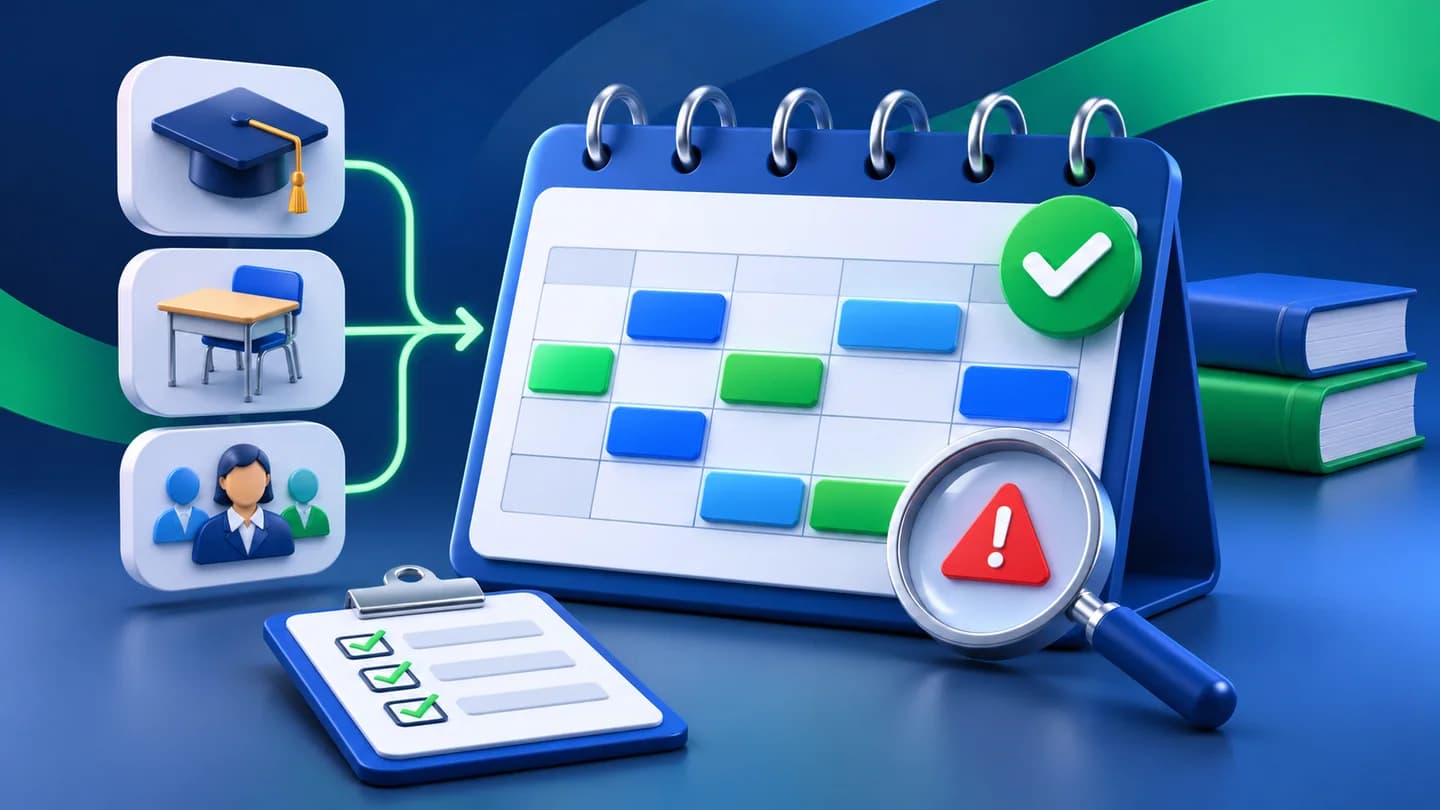
Problems timetable management software solves
- Building a timetable by hand takes days and still leaves clashes where one teacher is in two rooms or a lab is double-booked.
- Constraints are held in the coordinator's head, such as no more than three consecutive periods or heavy subjects before lunch.
- Mid-year changes such as a teacher leaving force the whole schedule to be reworked.
- Shared resources like labs, sports grounds and computer rooms are not visible across classes.
- Teachers and students do not get a clear personal view and rely on printed charts that go out of date.
What timetable management software should do
The capabilities to expect, and to check in any demo — whether you buy, configure or build.
Constraint definition
Captures hard rules such as teacher availability and room capacity and soft preferences such as spreading a subject across the week.
Automatic timetable generation
Searches for a clash-free arrangement of periods against the constraints and reports which rules could not be met, rather than hiding them.
Manual adjustment with live checks
Lets the coordinator drag a period to a new slot and instantly flags clashes with the teacher, class or room.
Room and lab allocation
Books labs, halls and specialist rooms across classes with capacity and equipment limits to avoid double-booking.
Substitution planning
On a teacher's absence, proposes free teachers per period respecting subject and workload limits, and updates the day's timetable.
Multiple views and publishing
Produces class, teacher and room timetables for print or mobile and publishes revisions with a version history.
Shift and term versions
Maintains separate timetables for shifts, terms and exam weeks so they can be switched without rebuilding.
Who uses timetable management software
How the timetable management process works
The day-to-day process the software has to support, step by step.
Load classes, subjects and teachers
The coordinator imports periods per subject per class and teacher availability from the allocation data.
Enter the rules
Hard and preferred constraints are recorded, including room needs, double periods and teacher day-off requests.
Generate and review
The system proposes a timetable and lists unmet preferences for the coordinator to review.
Adjust and approve
Manual tweaks are made with clash checks, and the principal approves the version.
Publish and maintain
Timetables are shared with staff and families, and daily substitutions and later revisions are logged.
Integrations to plan for
Systems timetable management software commonly connects to. Confirm connector availability and any provider fees.
- Teacher management and student management modules
- Google Calendar or Outlook calendar export
- SMS and WhatsApp Business API for substitution alerts
- Biometric attendance for same-day absence triggers
- Parent portal and school mobile app
- CSV and spreadsheet import of allocations
Metrics worth tracking
- Unresolved clashes at publish time — should be zero and shows the quality of the build
- Preferences met versus requested — shows how fairly teacher requests are balanced
- Room utilisation by period — helps decide whether more labs or rooms are really needed
- Time to produce a revised timetable — shows how quickly changes can be absorbed
- Substitution periods assigned within the first hour — shows how well absences are handled
India: compliance and market notes
- Board norms and state education department guidelines specify minimum instructional time or subject periods in some classes; the school should enter these as constraints from the circulars it follows rather than rely on defaults.
- Many Indian schools run two shifts or split days for Saturdays and festivals, so the software should support alternate day patterns and shortened days.
- College timetables under the NEP 2020 framework include electives, multidisciplinary courses and skill components that require student-wise allocation, not just class-wise.
- Teacher availability data is staff personal data; limit editing rights to the timetable team and protect staff contact details under the Digital Personal Data Protection Act, 2023.
General information, not legal or tax advice. Confirm how these apply to your business with your adviser.
Off-the-shelf or tailored?
Off-the-shelf timetable tools handle a single-shift school with a regular bell schedule well. A tailored build pays off when you have electives with student-wise groups, multiple campuses sharing teachers, rotating day patterns or strict facility limits. Splicity can implement your specific constraints and connect the result to attendance and substitution so that changes flow through.
Pricing
Pricing is quote-based. It depends on the number of users and locations, the modules you need, integrations, data migration, hosting (cloud or your own servers) and the support level you choose. We scope it on a short requirements call and confirm everything in writing before work starts.
How to evaluate timetable management
Before a demo, write down who owns each step of the workflow above, where today's data comes from and which decisions need approval. Then put these questions to every vendor, including us:
Questions to bring to your demo
- Demonstrate constraint definition and automatic timetable generation using a sample from our own business, including one exception case.
- Which of these integrations are available as standard, and which need configuration or development: Teacher management and student management modules, Google Calendar or Outlook calendar export, SMS and WhatsApp Business API for substitution alerts?
- How does your setup handle this requirement: Board norms and state education department guidelines specify minimum instructional time or subject periods in some classes?
- How will we track unresolved clashes at publish time, and can we export the underlying data?
- How are existing records imported and checked, and how do we get our data back if we change systems?
Confirm included features, supported platforms, implementation work and commercial terms in your proposal before purchase.
Questions, answered
Can the software guarantee a perfect timetable?
No. Constraint solvers find a solution when one exists and otherwise report which rules conflict. You should expect a list of unmet constraints and decide which to relax.
How does it handle elective subjects?
Electives require grouping students across sections into parallel periods. The software should let you define these blocks, and the quality of the student-to-block data matters as much as the solver.
What if a teacher leaves mid-year?
You reassign the teacher's allocations and re-run only the affected periods, locking the rest. Good tools show the minimum number of changes needed.
Is this the same as exam scheduling?
No. Regular timetabling arranges recurring weekly periods. Exam scheduling is a one-off date sheet with seating and invigilation. They share rooms and teacher data but follow different rules.
Ready to grow with Timetable Management
Tell us a little about your needs and our team will follow up to scope a demo and a quote for your setup.
Scope
Discuss your workflow
Demo
Review the fit
Quote
Confirm costs
Plan
Agree next steps
Plan your rollout
Discuss data migration, configuration and team onboarding.
Define requirements
Review access, data handling and recovery expectations.
Agree on support
Confirm support coverage and responsibilities in your proposal.