
Invoice Management software for Indian businesses
Invoice management software follows invoices after they are issued: which are due, which are overdue, who has paid, how much was deducted as TDS and what to do next. Finance teams and collections owners use it to turn a list of unpaid bills into a daily follow-up routine. It is about receivables, not about creating the invoice itself.
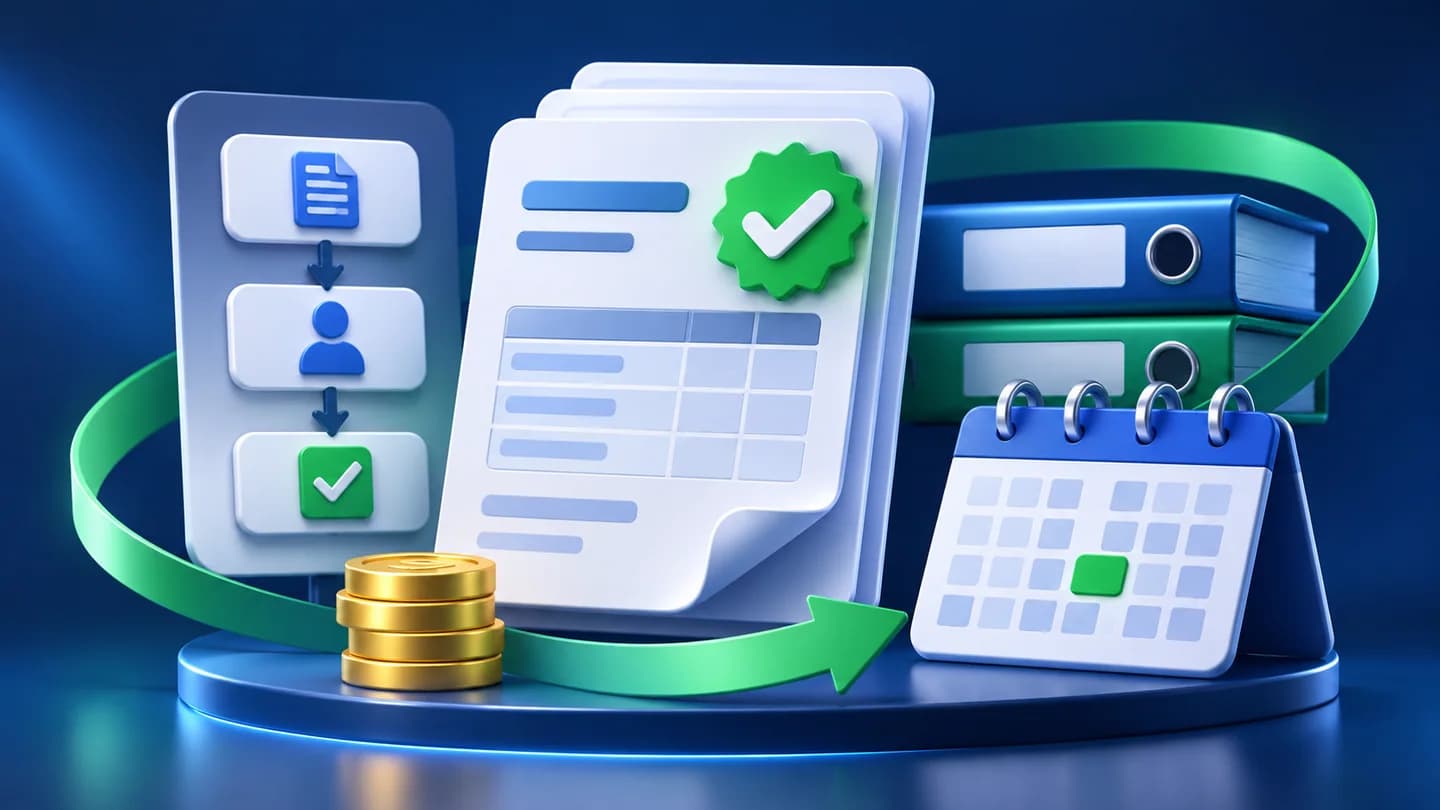
Problems invoice management software solves
- Unpaid invoices are tracked in a sheet that is updated when someone remembers, so nobody knows true overdue totals.
- Reminders go out irregularly, and long-standing customers receive no follow-up until the amount is large.
- Part payments, TDS deductions and advance receipts do not match the invoice amount, so reconciliation takes days.
- Sales and finance do not share information about disputes, so a rep visits a customer who is withholding payment.
- Cash forecasts rely on invoice dates, not on how customers actually pay.
What invoice management software should do
The capabilities to expect, and to check in any demo — whether you buy, configure or build.
Invoice register
Lists issued invoices with customer, date, amount, due date, payment terms and linked order, imported from the billing or accounting system.
Ageing and overdue views
Buckets receivables by days overdue per customer and per owner, with drill-down to individual invoices.
Dunning and reminders
Sends scheduled reminders by email or WhatsApp before and after the due date, escalating tone and recipient as days pass.
Payment matching
Matches bank receipts and UTR references to invoices, handling part payments, advances and credit notes.
TDS and deduction handling
Records amounts deducted by the customer as TDS and tracks the certificates expected against them.
Dispute and promise-to-pay log
Records the reason for a dispute, commitment dates given by the customer and who followed up.
Collections task list
Gives each collector a daily list of calls and messages ranked by amount and delay.
Who uses invoice management software
How the invoice management process works
The day-to-day process the software has to support, step by step.
Receive issued invoices
Invoices created in billing or accounting appear in the register with due dates.
Send pre-due reminders
Customers are reminded a few days before the due date with the invoice and payment details.
Follow up on overdue
Overdue items enter the collector's list, and reminders escalate in tone and recipient.
Record promises and disputes
Calls and replies are logged, with commitments and dispute reasons tied to the invoice.
Match receipts and close
Bank receipts are matched, TDS and short payments noted, and the invoice is marked paid or part-paid.
Review receivables
Finance reviews ageing, slow payers and cash expected in coming weeks.
Integrations to plan for
Systems invoice management software commonly connects to. Confirm connector availability and any provider fees.
- Tally / Zoho Books / QuickBooks
- Billing and invoicing software
- Bank statements and UTR feeds
- Razorpay / Cashfree payment links
- WhatsApp Business and email
- Order management
- Customer management
- BI dashboards
Metrics worth tracking
- Days sales outstanding — shows how long it takes to collect after invoicing
- Ageing by bucket — shows how much money is slipping into 60 or 90 days overdue
- Collection effectiveness — compares amounts collected with amounts due in a period
- Promise-to-pay kept rate — measures how reliable customer commitments are
- Disputed invoice value — highlights billing or service problems that block payment
India: compliance and market notes
- Customers often deduct TDS before paying, so the amount received can be lower than the invoice; the system should record TDS separately and track the certificate or AIS reflection rather than treating the gap as a short payment.
- Under the MSMED Act, 2006, buyers are required to pay micro and small enterprises within the agreed period, not beyond the statutory limit, and Section 43B(h) of the Income-tax Act ties tax deductions for such payments to timely payment, which gives MSME suppliers a lever in follow-up; confirm applicability with your CA.
- For businesses covered by e-invoicing, the invoice carries an Invoice Reference Number and QR code from the Invoice Registration Portal; the register should store that reference to link follow-up to the right document.
- Corrections after issue are made through GST credit notes or debit notes, so the register must handle them against the original invoice.
General information, not legal or tax advice. Confirm how these apply to your business with your adviser.
Off-the-shelf or tailored?
A standard receivables tool is enough when invoices come from one accounting system and reminders are simple. A custom build pays off when you must reconcile bank receipts across several entities, apply customer-specific payment terms, run escalation matrices by region, or tie collections to sales incentives. Splicity can configure reminder schedules or build the reconciliation and dashboards on top of your accounting data.
Pricing
Pricing is quote-based. It depends on the number of users and locations, the modules you need, integrations, data migration, hosting (cloud or your own servers) and the support level you choose. We scope it on a short requirements call and confirm everything in writing before work starts.
How to evaluate invoice management
Before a demo, write down who owns each step of the workflow above, where today's data comes from and which decisions need approval. Then put these questions to every vendor, including us:
Questions to bring to your demo
- Demonstrate invoice register and ageing and overdue views using a sample from our own business, including one exception case.
- Which of these integrations are available as standard, and which need configuration or development: Tally / Zoho Books / QuickBooks, Billing and invoicing software, Bank statements and UTR feeds?
- How does your setup handle this requirement: Customers often deduct TDS before paying, so the amount received can be lower than the invoice?
- How will we track days sales outstanding, and can we export the underlying data?
- How are existing records imported and checked, and how do we get our data back if we change systems?
Confirm included features, supported platforms, implementation work and commercial terms in your proposal before purchase.
Questions, answered
Is this the same as billing or GST invoicing software?
No. Billing software creates the invoice, and GST invoicing software ensures it carries the required particulars and e-invoice data. Invoice management starts after issue and tracks payment, reminders and disputes.
How should TDS deductions be handled?
Record the deduction as a separate line against the invoice, and track whether the customer has deposited it and issued the certificate. Treating it as a short payment leaves the invoice permanently open.
Can reminders go out on WhatsApp?
Business-initiated WhatsApp messages need the WhatsApp Business API and approved templates, and customers should have opted in. Email and SMS are alternatives. Check opt-in and DND rules for your use.
How do we handle part payments and advances?
The system should allow a receipt to be allocated across several invoices or to be held as an advance. Keep the allocation visible so the ageing report stays accurate.
Ready to grow with Invoice Management
Tell us a little about your needs and our team will follow up to scope a demo and a quote for your setup.
Scope
Discuss your workflow
Demo
Review the fit
Quote
Confirm costs
Plan
Agree next steps
Plan your rollout
Discuss data migration, configuration and team onboarding.
Define requirements
Review access, data handling and recovery expectations.
Agree on support
Confirm support coverage and responsibilities in your proposal.