
Order Management software for Indian businesses
Order management software follows an order from the moment it is confirmed through stock allocation, picking, dispatch, delivery and returns. Operations, warehouse and customer service teams use it to answer where an order is and why it is late. It focuses on the order lifecycle, not on the storefront or catalogue where orders originate.
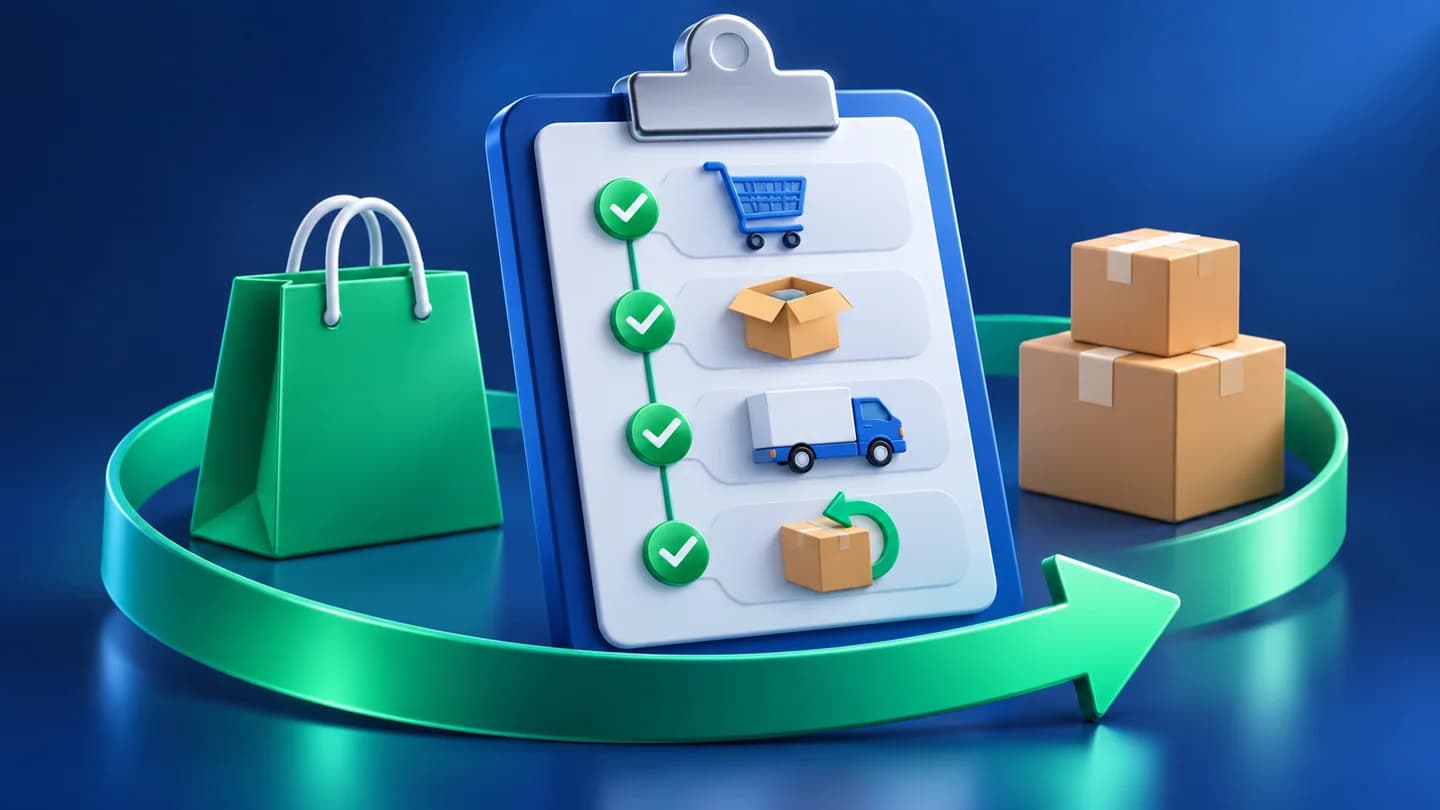
Problems order management software solves
- Orders arrive by phone, email, WhatsApp and portals and are typed into different sheets, so they are missed or duplicated.
- Stock is promised to two customers because availability is not checked at confirmation.
- Partial shipments, backorders and substitutions are handled informally, and customers are not told.
- Customer service cannot say whether an order is packed, dispatched or delivered without calling the warehouse.
- Returns and refunds are processed late, and stock and credit notes do not match the physical return.
What order management software should do
The capabilities to expect, and to check in any demo — whether you buy, configure or build.
Order capture and validation
Creates orders from sales quotes, portals and manual entry, checking item, price, customer credit and delivery address before confirmation.
Stock availability and allocation
Reserves stock from the right warehouse or batch at confirmation and handles backorders and partial fills.
Credit and approval checks
Holds orders that exceed a customer's credit limit or have overdue invoices until a manager releases them.
Pick, pack and dispatch
Generates pick lists and packing slips, records packed quantities and creates dispatch documents with transporter details.
Shipment tracking
Stores courier or transporter references and status, and shares updates with the customer.
Returns and exchanges
Handles return requests, inspection, restocking and creation of credit notes or replacement orders.
Order status for customers and staff
Provides a single status per order and line from confirmed to delivered, visible to sales and service.
Who uses order management software
How the order management process works
The day-to-day process the software has to support, step by step.
Receive and confirm the order
The order is entered or imported, checked for price and credit, and confirmed to the customer.
Allocate stock
The system reserves stock and splits the order if only part is available.
Pick, pack and document
The warehouse picks items, verifies quantities and prepares dispatch documents.
Dispatch and track
Goods leave with a transporter or courier and tracking details flow back into the order.
Deliver and close
Delivery proof is recorded, invoicing is triggered and the order is closed.
Handle returns
Returned goods are inspected and restocked, and a credit note or replacement is raised.
Integrations to plan for
Systems order management software commonly connects to. Confirm connector availability and any provider fees.
- Inventory and warehouse management
- Shiprocket / Delhivery / transporter APIs
- Tally / Zoho Books / ERP
- E-way bill portal data
- Marketplaces such as Amazon and Flipkart
- Razorpay / Cashfree / COD remittance
- Quotation and invoice systems
- WhatsApp and SMS notifications
Metrics worth tracking
- Order cycle time — time from confirmation to dispatch shows operational bottlenecks
- Fill rate — share of ordered quantity delivered on first shipment shows stock accuracy
- On-time delivery — measures reliability against the promised date
- Return rate by reason — separates quality, packing and wrong-item problems
- Orders on credit hold — shows how much revenue waits on approvals
India: compliance and market notes
- Movement of goods above the notified value limit under GST needs an e-way bill, so dispatch documents should be able to capture the data required to generate one.
- Returns of goods already invoiced are handled through GST credit notes, which must be issued within the time limits in the GST law; the return flow should link to the original invoice.
- Cash on delivery is common in Indian B2C orders and brings remittance reconciliation and return-to-origin handling, so payment status should track COD separately.
- Orders shipped between states carry IGST, while same-state orders carry CGST and SGST, so the ship-to state should be validated at order time.
General information, not legal or tax advice. Confirm how these apply to your business with your adviser.
Off-the-shelf or tailored?
A standard order module is enough when you sell a limited catalogue through one or two channels and ship from one location. A custom build pays off for multi-warehouse allocation, batch or serial tracking, dealer-specific pricing and credit rules, marketplace order imports or integration with your transporters and ERP. Splicity can configure order flows or build the integrations and allocation rules specific to your operation.
Pricing
Pricing is quote-based. It depends on the number of users and locations, the modules you need, integrations, data migration, hosting (cloud or your own servers) and the support level you choose. We scope it on a short requirements call and confirm everything in writing before work starts.
How to evaluate order management
Before a demo, write down who owns each step of the workflow above, where today's data comes from and which decisions need approval. Then put these questions to every vendor, including us:
Questions to bring to your demo
- Demonstrate order capture and validation and stock availability and allocation using a sample from our own business, including one exception case.
- Which of these integrations are available as standard, and which need configuration or development: Inventory and warehouse management, Shiprocket / Delhivery / transporter APIs, Tally / Zoho Books / ERP?
- How does your setup handle this requirement: Movement of goods above the notified value limit under GST needs an e-way bill, so dispatch documents should be able to capture the data required to generate one?
- How will we track order cycle time, and can we export the underlying data?
- How are existing records imported and checked, and how do we get our data back if we change systems?
Confirm included features, supported platforms, implementation work and commercial terms in your proposal before purchase.
Questions, answered
How is order management different from e-commerce management?
E-commerce management covers the storefront, catalogue and customer-facing shopping experience. Order management starts when an order is placed, and covers confirmation, allocation, fulfilment and returns. They are often connected but solve different problems.
Does it handle B2B orders with credit terms?
It should support customer credit limits, overdue checks and approval holds, plus customer-specific prices. Ask how an order is blocked and released and who gets notified.
Can it manage orders from several marketplaces?
Order import from marketplaces depends on their APIs or reports. Confirm which channels are supported, how stock is synced and how cancellations are handled.
How are partial shipments handled?
The order is split into shipments with separate dispatch records, while the outstanding quantity remains open as a backorder. Customers should be informed with the expected date for the balance.
Ready to grow with Order Management
Tell us a little about your needs and our team will follow up to scope a demo and a quote for your setup.
Scope
Discuss your workflow
Demo
Review the fit
Quote
Confirm costs
Plan
Agree next steps
Plan your rollout
Discuss data migration, configuration and team onboarding.
Define requirements
Review access, data handling and recovery expectations.
Agree on support
Confirm support coverage and responsibilities in your proposal.