
Warehouse Management software for Indian businesses
Warehouse management software directs the physical work inside a warehouse: receiving goods, putting them away to bin locations, picking orders, packing and dispatching. It suits 3PLs, distributors and e-commerce sellers whose problem is no longer how much stock exists but how quickly and accurately it is handled. Splicity can configure or build a warehouse workflow with scanner-driven tasks on top of your stock records.
Problems warehouse management software solves
- Pickers walk long routes and search for stock because bin locations are held in people's heads.
- Wrong items or quantities are dispatched because picking works from paper lists and visual checks.
- Received goods sit at the dock unrecorded for hours, so sales cannot promise them.
- Peak-season orders overwhelm the floor because work is not batched or prioritised by dispatch cut-off.
- Returns and damaged goods are mixed into saleable stock without a separate holding location.
What warehouse management software should do
The capabilities to expect, and to check in any demo — whether you buy, configure or build.
Inbound receiving and QC hold
Arrivals are checked against the expected consignment, counted, and either released or held in a quarantine location pending inspection.
Putaway rules
The system suggests a bin based on item size, family, velocity or temperature zone, and the operator confirms by scanning the bin label.
Location and bin master
Zones, aisles, racks and bins are defined with capacity and type, so every unit has an address and empty or partly filled bins can be found.
Pick lists and wave planning
Orders are grouped into waves or batches by cut-off, carrier or zone, and pick tasks are sequenced to reduce walking.
Scan-verified picking and packing
Scanning the bin and the item before it goes into the carton catches mismatches at the point of error, and the packing station confirms contents against the order.
Dispatch and loading
Packed cartons are consolidated per carrier or vehicle, manifests are produced and the dock confirms what actually left.
Returns handling and cycle counting
Returned goods are inspected and routed to restock, repair or scrap locations, while rolling counts check bins without stopping operations.
Who uses warehouse management software
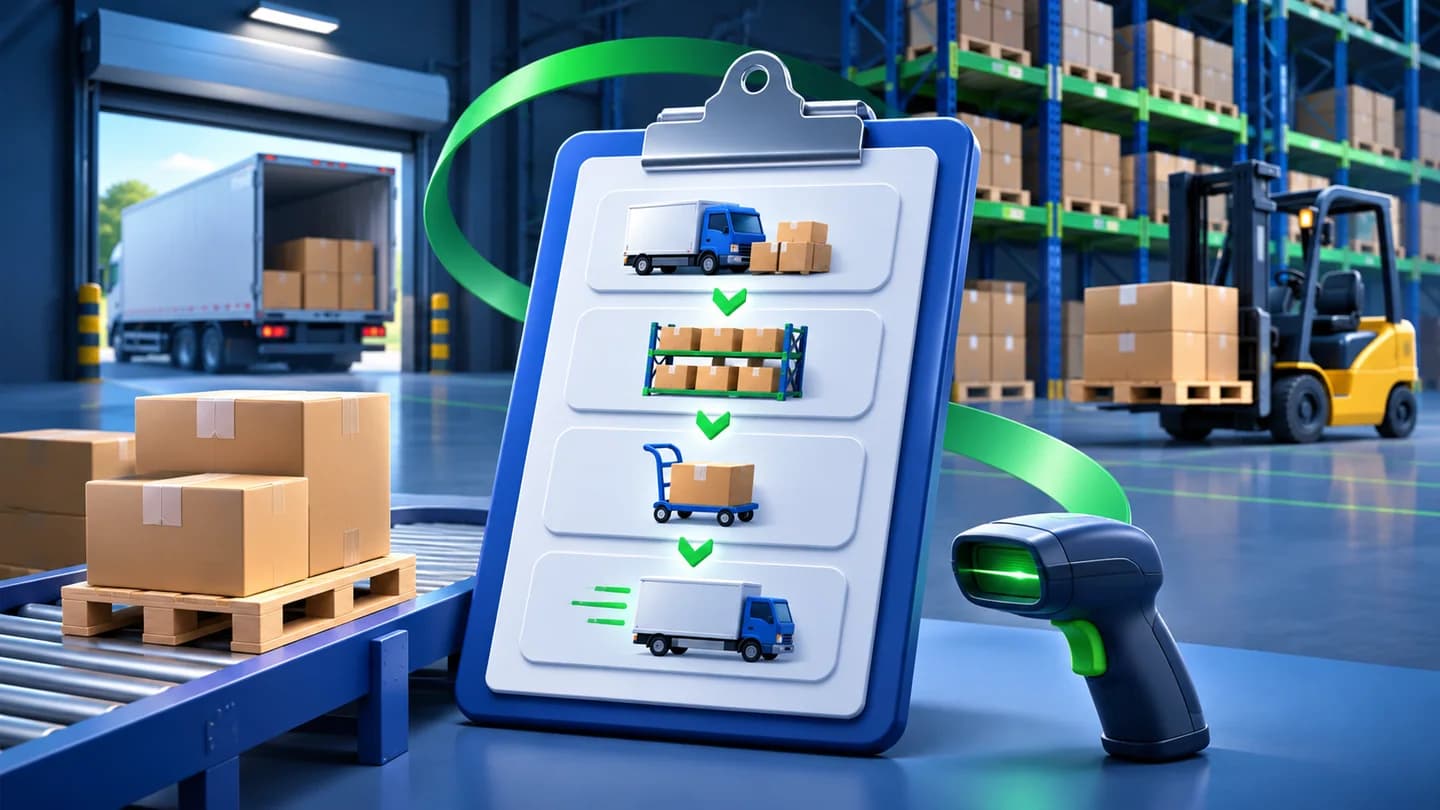
How the warehouse management process works
The day-to-day process the software has to support, step by step.
Receive and inspect
Goods are matched to an advance shipment notice or purchase order, counted and tagged for putaway or QC hold.
Put away to bins
Operators scan the item and the destination bin, and the system records the exact location.
Release and plan pick waves
Confirmed orders are batched by cut-off time, carrier or zone and released to the floor as pick tasks.
Pick, verify and pack
Pickers follow a sequenced route, scanning bin and item, and packers verify the carton before sealing.
Manifest and dispatch
Cartons are grouped per carrier, documents are printed and stock is reduced when the vehicle is loaded.
Integrations to plan for
Systems warehouse management software commonly connects to. Confirm connector availability and any provider fees.
- Barcode / QR scanners and handheld terminals
- Inventory management system
- Shiprocket / courier APIs
- Marketplace order feeds (Amazon, Flipkart)
- GST e-way bill portal via GSP
- Tally Prime / Zoho Books / Busy
Metrics worth tracking
- Pick accuracy — shows how often wrong items or quantities reach the packing bench
- Orders dispatched before cut-off — shows whether carriers' pickup times are being met
- Dock-to-stock time — shows how long received goods stay unavailable for sale
- Lines picked per labour hour — shows whether layout and wave planning are helping
- Bin utilisation — shows unused capacity and crowded zones that slow putaway
India: compliance and market notes
- Outbound goods above the notified value generally travel with an e-way bill, so the dispatch step should be able to pass consignment details to the e-way bill system.
- For 3PL operators, stock belongs to the client; records should keep each client's goods separate so that invoices and GST documents reflect the right owner.
General information, not legal or tax advice. Confirm how these apply to your business with your adviser.
Off-the-shelf or tailored?
A packaged warehouse system is enough for a single site with standard receive, pick and ship flows. A tailored build pays off for 3PLs billing clients by activity, for unusual putaway or picking rules, or when the warehouse must plug into a particular ERP or carrier setup. Before choosing, walk the floor and time one order from dock to dispatch so you know what the software must fix.
Pricing
Pricing is quote-based. It depends on the number of users and locations, the modules you need, integrations, data migration, hosting (cloud or your own servers) and the support level you choose. We scope it on a short requirements call and confirm everything in writing before work starts.
How to evaluate warehouse management
Before a demo, write down who owns each step of the workflow above, where today's data comes from and which decisions need approval. Then put these questions to every vendor, including us:
Questions to bring to your demo
- Demonstrate inbound receiving and QC hold and putaway rules using a sample from our own business, including one exception case.
- Which of these integrations are available as standard, and which need configuration or development: Barcode / QR scanners and handheld terminals, Inventory management system, Shiprocket / courier APIs?
- How does your setup handle this requirement: Outbound goods above the notified value generally travel with an e-way bill, so the dispatch step should be able to pass consignment details to the e-way bill system?
- How will we track pick accuracy, and can we export the underlying data?
- How are existing records imported and checked, and how do we get our data back if we change systems?
Confirm included features, supported platforms, implementation work and commercial terms in your proposal before purchase.
Questions, answered
Do we need a warehouse system if we already have inventory software?
Inventory software tells you how much stock you have; a warehouse system tells people what to do with it on the floor. If your pain is picking errors, slow putaway or lost stock inside one building, a warehouse layer helps. If your pain is stock levels across locations, inventory management is the right starting point.
Is barcode scanning mandatory?
It is not mandatory, but most of the accuracy gain in a warehouse system comes from scan verification of bins and items. Handheld scanners or phones with a camera are the usual hardware; labels on bins and cartons are the main upfront effort.
Can it support multiple clients in one warehouse?
3PL setups need stock, billing and reports separated by client. Ask how the system labels ownership, how storage and handling charges are calculated, and whether clients can be given read-only views.
How long does it take to label and set up bin locations?
That depends on warehouse size and how much stock is already racked. The work is physical: defining the location scheme, printing labels, and doing an opening count so system quantities start accurate.
Ready to grow with Warehouse Management
Tell us a little about your needs and our team will follow up to scope a demo and a quote for your setup.
Scope
Discuss your workflow
Demo
Review the fit
Quote
Confirm costs
Plan
Agree next steps
Plan your rollout
Discuss data migration, configuration and team onboarding.
Define requirements
Review access, data handling and recovery expectations.
Agree on support
Confirm support coverage and responsibilities in your proposal.