
Stop Losing Documents. Start Managing Them.
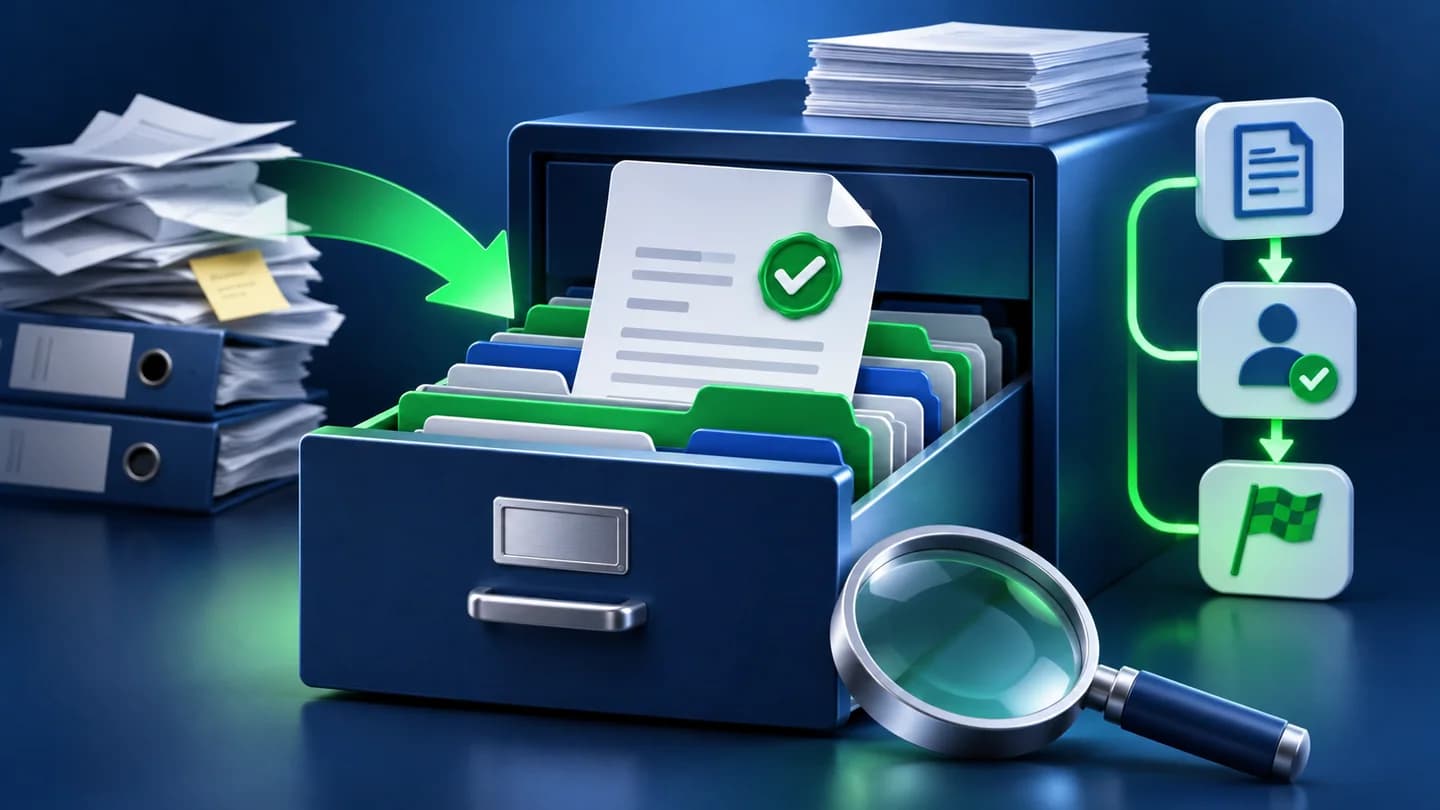
Splicity designs and builds document management systems that give your business a single, organised place to store, retrieve, and route every file. The result is less time hunting for documents and more time acting on them.
 E-Commerce
A defensible record
Version history, access logs and retention locks show what a document said, who changed it and when it could be removed.
Findable documents
Metadata, classification and OCR-backed search reduce time spent hunting through folders.
Controls matched to your policy
Approval chains, expiry reminders and access rules mirror how your departments actually handle documents.
Document Management System (DMS)
The outcome we're after
Documents become a liability when no one can say which version is current, who approved it, who has seen it, or when it may be deleted. Shared drives and email attachments work until an audit, a legal dispute or a staff departure. A DMS has to make the right document findable and the wrong action impossible.
We design document systems around the controls your organisation needs. Every upload becomes an immutable version with a checksum, edits create new versions rather than overwriting, and approval workflows move a document through draft, review and published states. Retention policies attach to document classes and can place legal holds, blocking deletion until released. Full-text search covers scanned files through OCR, and permissions follow folders, document types and roles.
You own the system, the stored documents and their metadata. Files sit in standard object storage with open metadata, so your records are not locked inside a proprietary archive.
What we deliver
Key offerings
Scope
What a custom document management system build includes
Versioned repository
Immutable versions with checksums, check-in and check-out, comparison of versions and restore of earlier ones.
Metadata and classification
Document types with required fields, folder structures, tags and auto-classification rules for incoming files.
Search and OCR
Full-text indexing of Office, PDF and scanned documents, with OCR for English and Indian-language scripts where the engine supports them.
Approval and review workflows
Configurable multi-step approvals, reviews with deadlines, reminders and expiry or renewal triggers.
Retention and legal hold
Retention schedules by document class, legal hold, disposal approval and certificates of destruction.
Permissions and audit
Role and attribute-based access, time-limited external sharing links and an audit log of views, downloads and changes.
E-signature and integrations
Signing through Aadhaar eSign or DSC-based services, email ingestion, and connectors to ERP, CRM or HR systems.
Engineering
Architecture and technology
Files go to object storage with write-once settings where retention rules apply, while a relational database holds metadata, versions, permissions and workflow state. Each version records a cryptographic checksum so integrity can be verified later. Text extraction and OCR run as background jobs that feed a search index, so uploads return quickly and heavy files do not block users. Access checks run on the server for every request, including search results, so users never see snippets from documents they cannot open. Share links are signed and expire. Large-file upload uses resumable chunks. Backups and storage replication are planned around your retention horizon.
Typical stack
- Next.js
- TypeScript
- Node.js
- PostgreSQL
- S3-compatible storage with object lock
- OpenSearch
- Tesseract OCR
- Apache Tika
Delivery
How we deliver it
- 01
Records and policy review
We catalogue document types, owners, retention rules and approval paths, and decide what must be enforced by the system.
- 02
Repository and permissions
Versioning, metadata, access control and audit are built first, because every other feature depends on them.
- 03
Search and ingestion
OCR, indexing, email and scanner ingestion are built and tuned on a sample of your real documents.
- 04
Workflows and retention
Approvals, expiry reminders, holds and disposal flows are configured with your compliance and legal owners.
- 05
Migration and rollout
Existing files are imported with metadata mapping and verified by sampling, then departments are moved in turn.
Planning
What drives cost and timeline
- Volume and condition of documents to migrate, including scanned paper
- OCR accuracy requirements and languages
- Complexity of approval workflows and permission models
- Retention and legal-hold rules
- E-signature and third-party system integrations
- Availability of desktop sync or mobile capture
India: compliance and market notes
- Documents can be signed using Aadhaar eSign or a Digital Signature Certificate, both of which have legal recognition under the IT Act 2000; we integrate with licensed providers rather than implementing signing ourselves.
- Personal data inside documents falls under the DPDP Act 2023, so retention rules should include deletion once the purpose is served unless law requires retention.
General information, not legal or tax advice.
Comparing ready-made options first? Read our guide to document management software.
Why Splicity
Why teams choose us for this
A senior team, a fixed plan and long-term ownership — the things that decide whether a project actually succeeds.
One accountable team
Strategy, design, build and support handled end to end by senior people — not handed off and lost.
Fixed, transparent scope
A clear plan and estimate before any work begins. No open-ended billing, no surprises.
Built to scale & rank
Performance, security and SEO engineered in from day one — not bolted on at the end.
A long-term partner
We support, monitor and evolve what we build, so it keeps delivering value long after launch.
FAQ
Frequently asked questions
Do we own the documents and the DMS code?
Yes. Files sit in storage in your account and the code and metadata schema are delivered to you.
Can it integrate with our existing shared drive or email?
Yes. We can import from network drives and mailboxes, and watch folders or mailboxes for new documents.
Where is it hosted?
On cloud or on-premise servers in your control. Sensitive archives can remain on-premise with only the search index in the cloud, if you prefer.
When should we buy a DMS product or use a cloud drive?
If your needs are sharing and basic folders, a cloud drive suffices. Established DMS products suit standard records management. Custom development fits specific workflows, integrations or retention rules that products handle poorly.
What ongoing maintenance is required?
Storage growth management, security updates, search index tuning and periodic restore tests of backups.
How we build it
Related projects & blueprints
E-Commerce · Solution blueprint
Headless Commerce Replatform
How we move a slow, plugin-heavy online store to a headless architecture — a fast storefront on a modern commerce engine — while protecting existing search rankings, payment flows and operations.
Read the blueprint →
More in E-Commerce & Business Solutions
Related services
Appointment Booking System
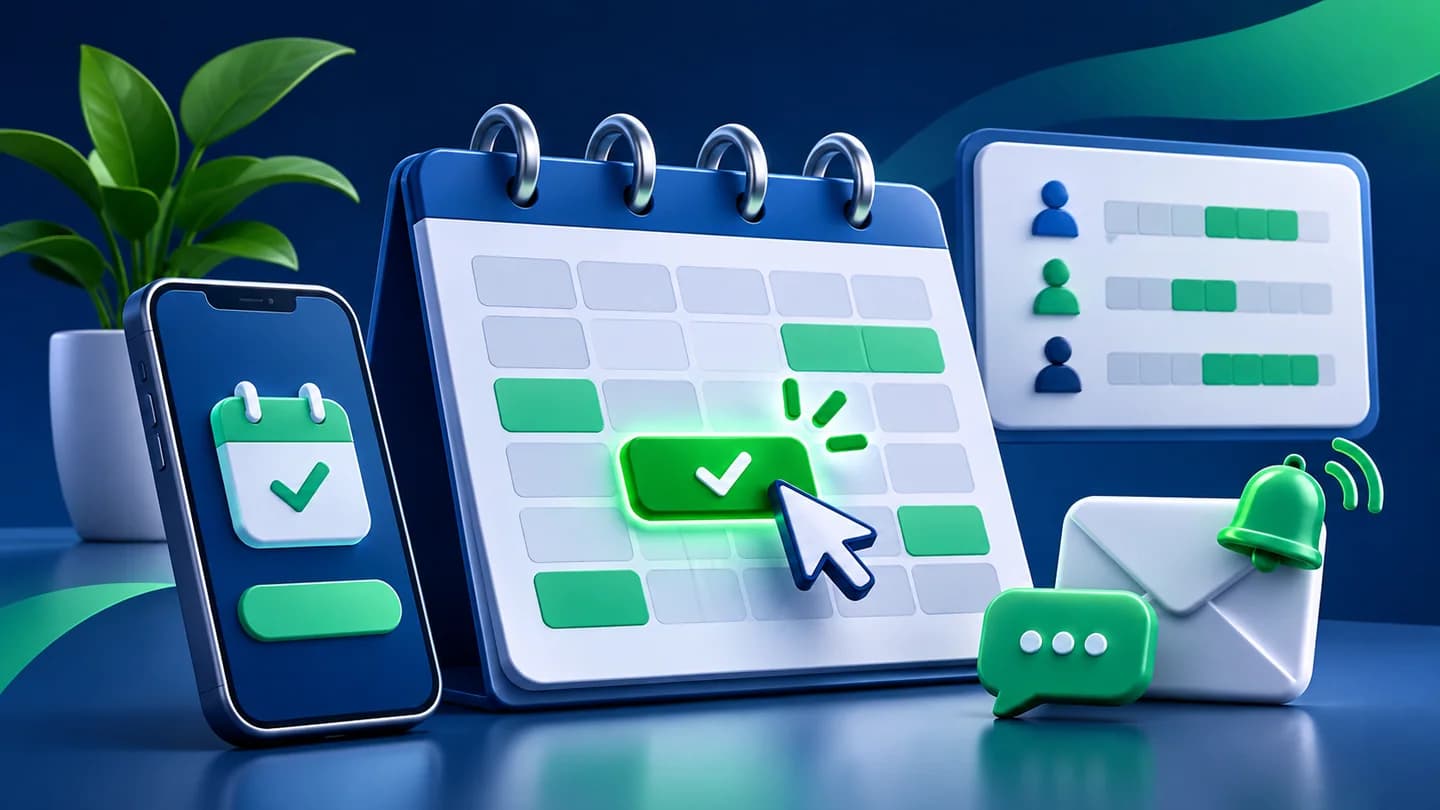
We design and build appointment booking systems that connect your calendar, your team, and your clients in one seamless flow. The result is fewer no-shows, less back-and-forth, and more confirmed bookings every day.
Explore→
Real Estate Platform Development
Splicity designs and develops end-to-end real estate platforms — from searchable listing portals to broker CRM systems. Clients get a scalable, branded tool that brings buyers, sellers, and agents onto one efficient workflow.
Explore→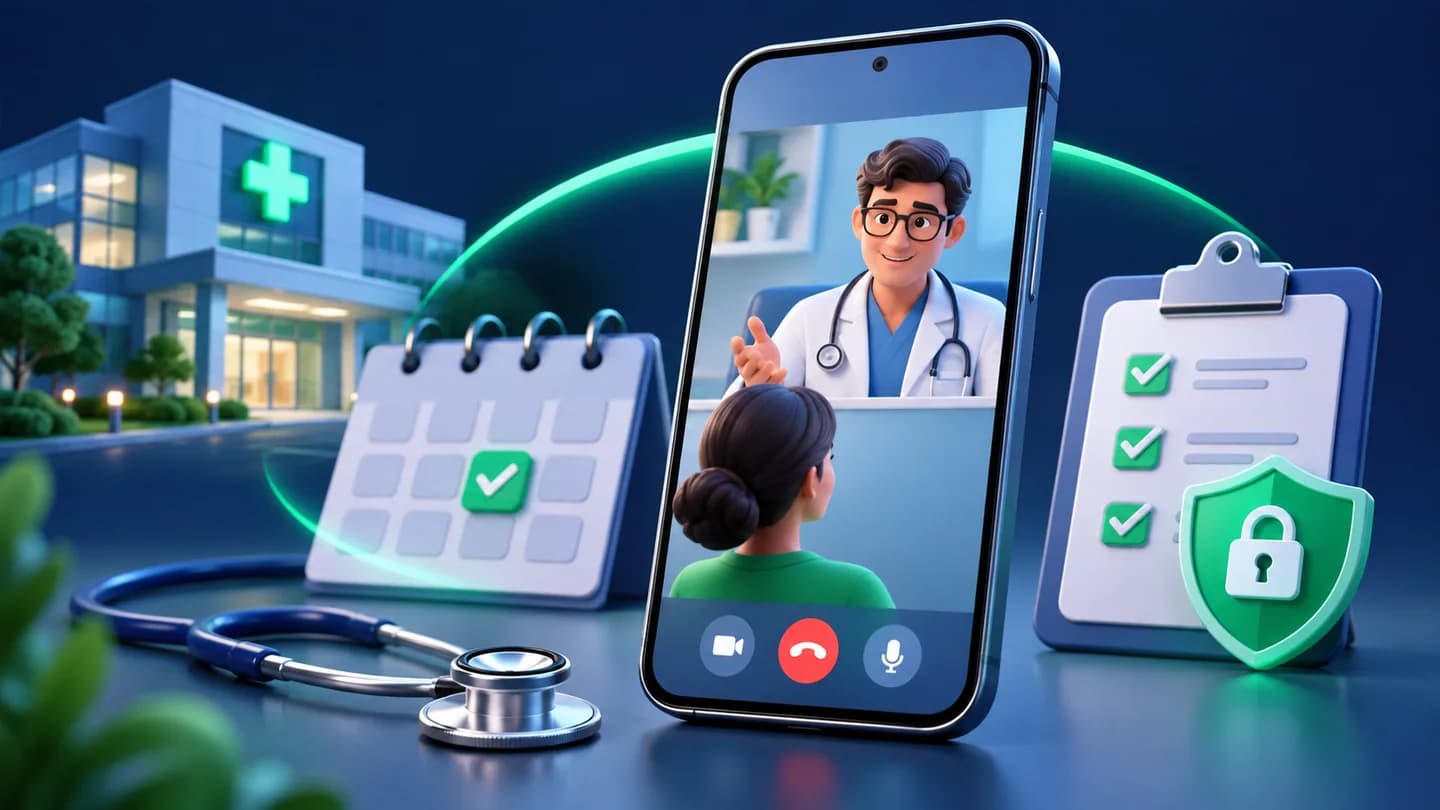
Healthcare App Development
We design and develop healthcare applications that connect patients with providers through secure portals and live video consultations. Clinics and health startups get a compliant, production-ready platform that reduces administrative load and improves patient retention.
Explore→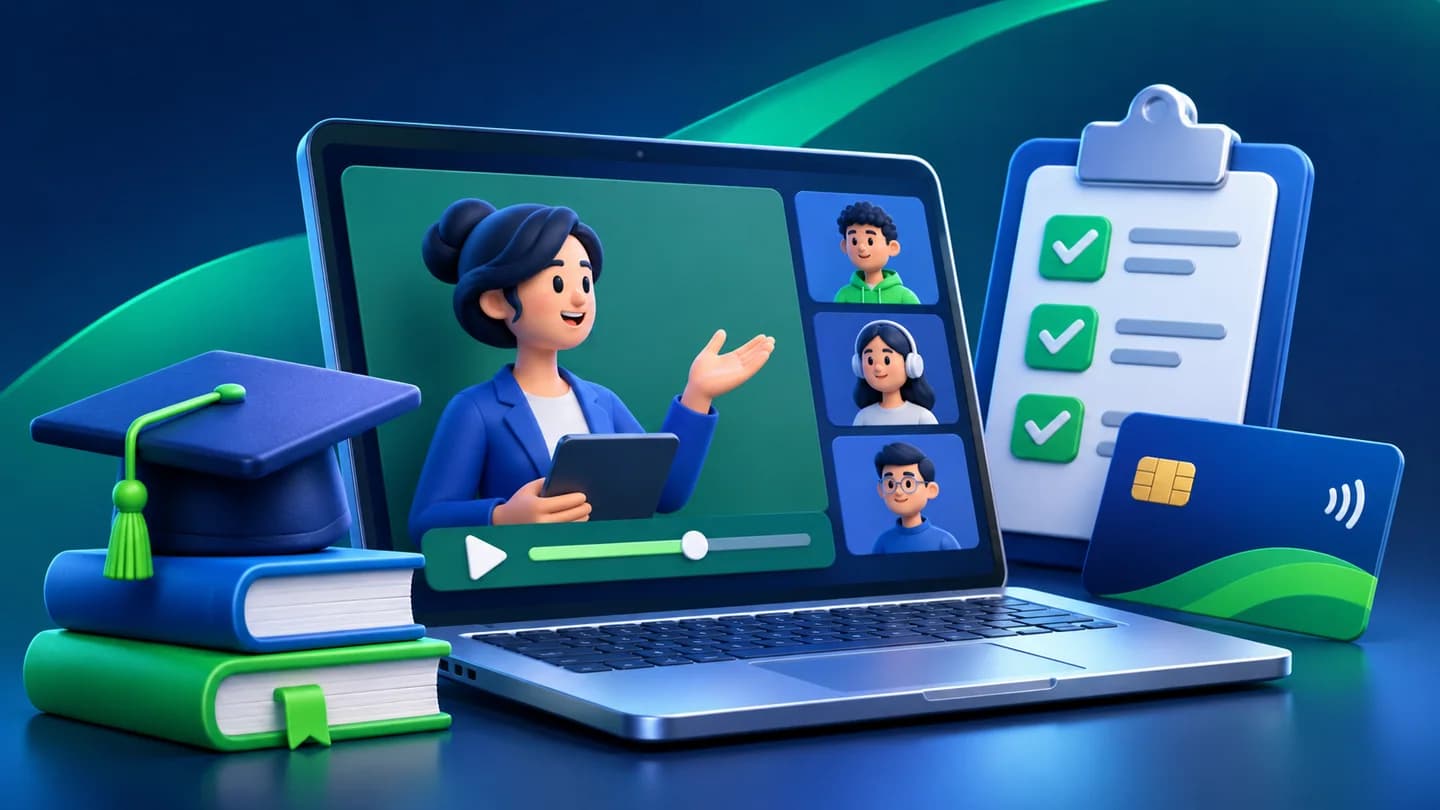
EdTech Platform Development
We design and develop full-featured EdTech platforms — online schools, tutoring marketplaces, and learning management systems — tailored to how your educators teach and your learners engage. Clients launch faster, retain more students, and reduce admin overhead from day one.
Explore→
FinTech App Development
Splicity designs and engineers digital banking platforms and payment wallets that handle real transaction volumes securely. Clients launch faster, reduce fraud exposure, and build lasting user trust.
Explore→
Food Delivery App Development
We design and build end-to-end food delivery platforms, from menu browsing and cart checkout to real-time driver tracking. Restaurants launch faster, reduce missed orders, and retain more customers through a seamless digital experience.
Explore→Ready to start your document management system (dms) project?
Tell us what you're building. We'll scope it and come back with a clear plan, timeline and estimate.